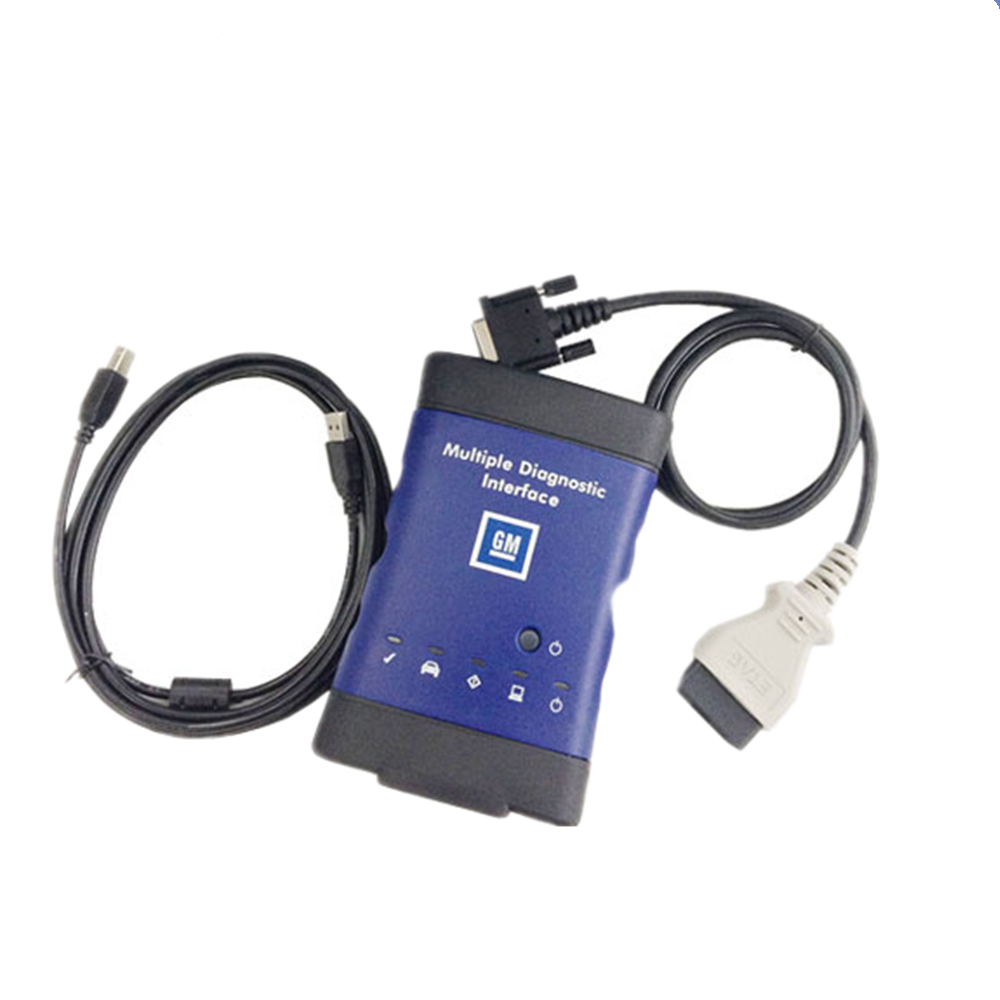
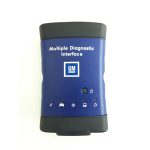
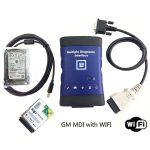
MDI Scan Tool MDI Diagnostic Tool With Wifi V2026.02
209.00$
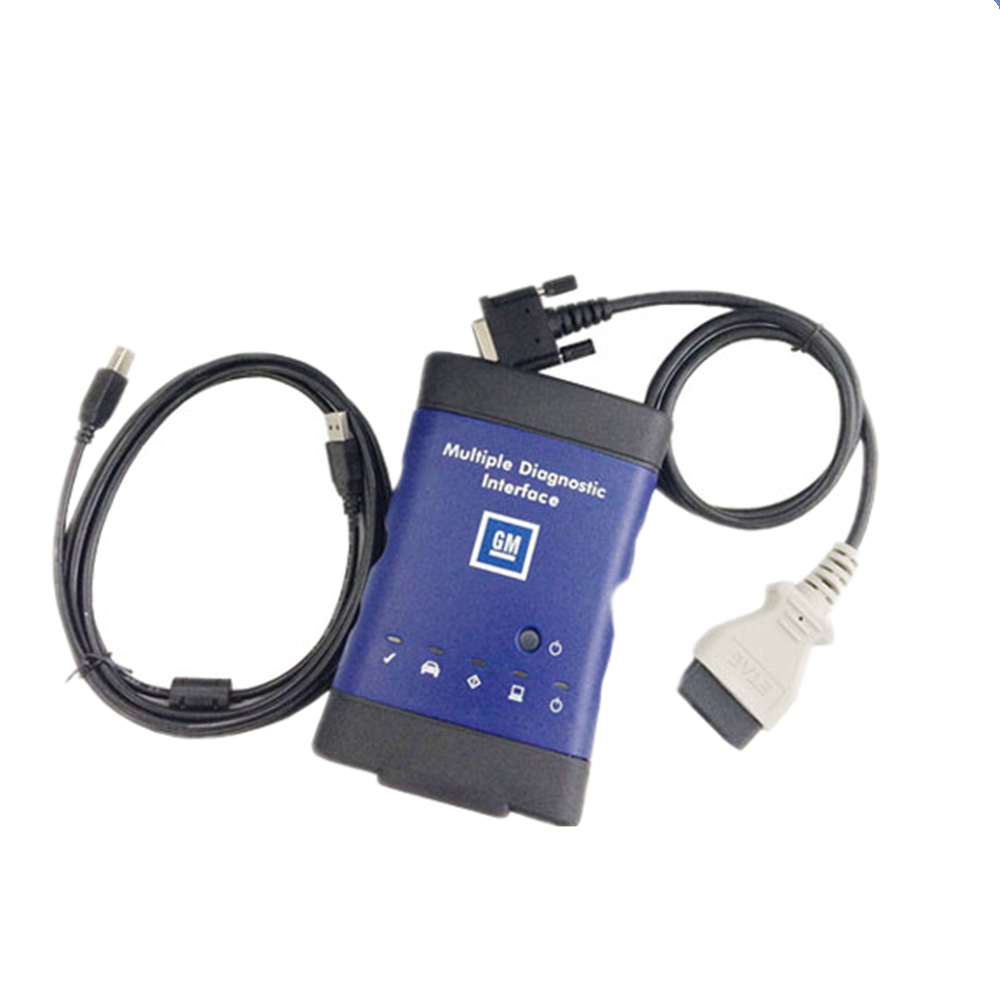
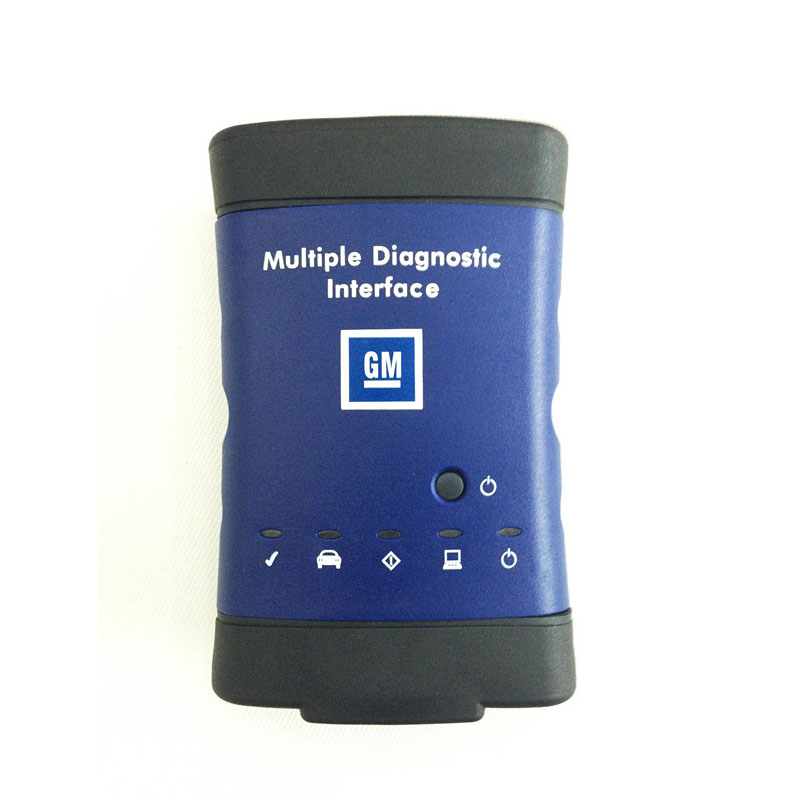
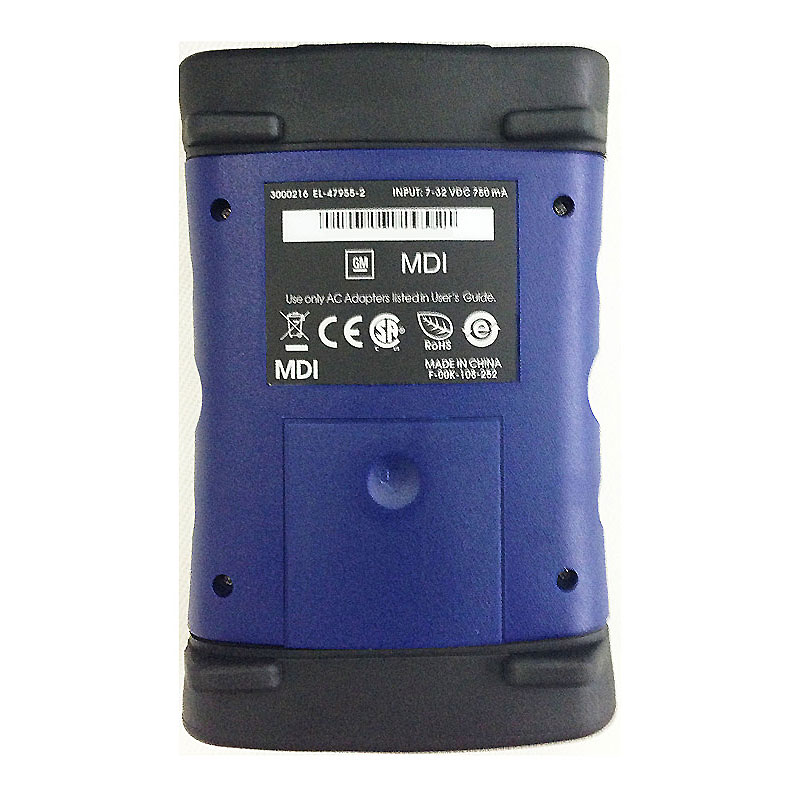
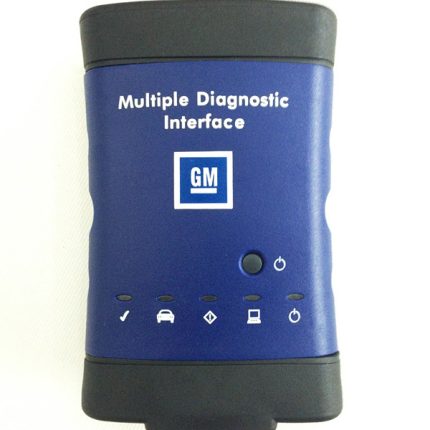
MDI Scan tool MDI Multiple Diagnostic Interface for all GM/Vauxhall /Opel 16 pin vehicles from 1996 to 2025.
Notice: If you need programming online, you must have a account.
Please don’t login your GM online account when using the MDI tool, it has the risk that your online account will be locked.
You can use the VIN (Vehicle Identification Number) and download the calibration and programming files, and then use the DPS to do programming offline.
Highlights of MDI:
1. Software version: V2026.02
2. MDI Manager version: 8.5.33.154
3. Update time: Global V2026.02
4. Fully tested and works perfectly
5. High speed and low-speed GMLAN
6. Supported Protocol: UART, Class 2, KWP2000,GMLAN (CAN)
7. For all GM CHEVROLET BUICK CADILLAC GMC HUMMER PONTIAC SAAB Vauxhall/Opel 16 pin vehicles from 1996 to 2025
8. Multi-language: German, Spanish, French, Italian, Dutch, Portuguese, Vietnamese, Russian, Thai, Japanese, Korean, English, Chinese
9. Tech2win: English only
MDI: This newest release factory scan tool begins it’s coverage in model year 2010. MDI when combined with the Global Diagnostic System 2 (GDS2) software application allows servicing of GMs’s new Global Architecure Platform (Global A) vehicles. Model coverage currently includes 2010-2013 Buick LaCrosse, 2010-2013 Cadillac SRX, 2010-2013 Chevrolet Camaro, 2010-2013 Equinox, 2011-2013 Chevrolet Volt, 2011-2013 Chevrolet Cruze, 2010-2013 GMC Terrain and 2011 Buick Regal. By model year 2014 virtually all GMs vehicles are serviced by using the MDI/GDS application. For all other 2010-2013 GMs vehicles you will need either a GMs Tech-2 or the optional ‘Tech-2 Emulator’ program to achieve OEM level functionality. The ‘Tech-2 Emulator’ uses the MDI interface device as the communications interface between pc and vehicle.
Newest features for MDI:
1. With opel Global tis global diagnostic system
2. With GDS2 diagnostic system
3. Tech2win diagnostic software support adding latest software
4. support programming online
5. support cable communication
6. support original factory latest software
7. With European Chevetl Global tis, Supports European Chevet
Description:
General Motors Global Electrical Architecture (Global A) and Global Diagnostic Hardware &Software
Global Diagnostic System DGS& Mutiple diagnostic Interface MDI
MDI and GDS Background
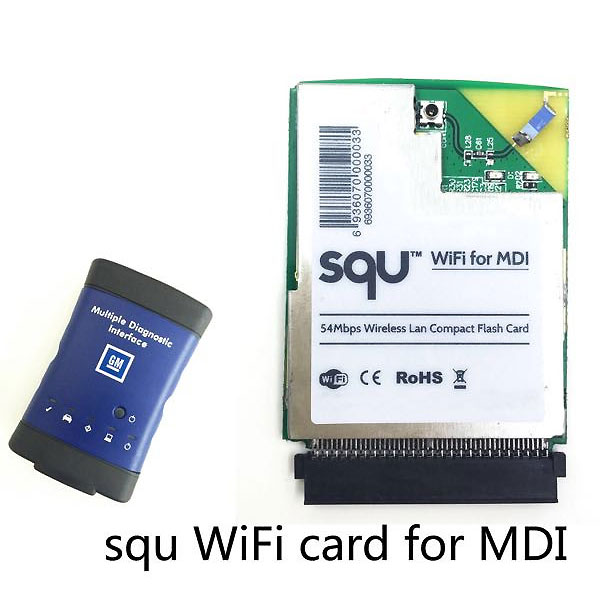
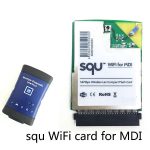
MDI is an interface between the vehicle DLC and a PC (by wired USB, wired Ethernet, wireless Ethernet ) and TIS2web.
Required for diagnostics on new SGM Global A Electrical Architecture Vehicles
Used with GMs Global Diagnostics System (GDS), SPS and MDI Manager Software
Allows for GDS diagnostic
Language:

Multiple Diagnostic Interface (MDI)
All current and most legacy vehicle protocols: UART, KW2000, CLASS2, GM LAN, etc.
Needed for Global A architechture vehicles
Supports Service Programming System (SPS)
Supports PC-Based diagnostics with rollout of the Global Diagnositc System (GDS) application
Includes Flight Recorder Mode
New Diagnostic Application Software required for Global A Vehicles
Global Diagnostic System (GDS)
PC-based software diagnsotics
DTCs, Diagnostics, Data Display & Visualization, Device Controls, Special Tests, Flight Recorder management, etc.
GDS is software which runs on a specific PC. Updates received via TIS2Web.
Multiple display options. More space for diagnsotics. Session management for multiple us.
What protocols does the MDI support?
For immediate use — At present, vehicles have two buses on the 16 pin connector
(high speed and low speed GMLAN). The MDI communicates using all of the existing protocols, the same as the Tech 2:
– UART
– Class 2
– KWP2000
– GMLAN (CAN)
Beginning with the 2008 model year vehicles, Pass-Thru will be the only programming method available. (Remote will continue to be available for previous vehicle When you test after 2010 year gm car, you can use gm gds2 software:


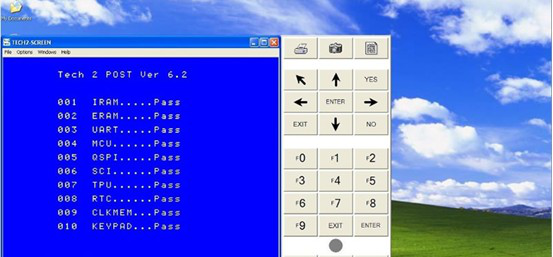
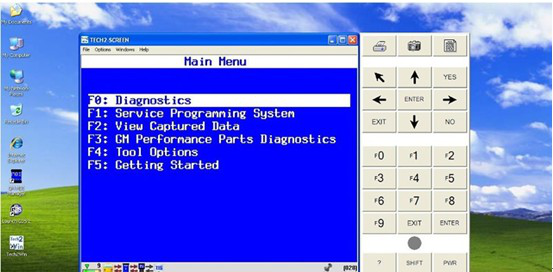
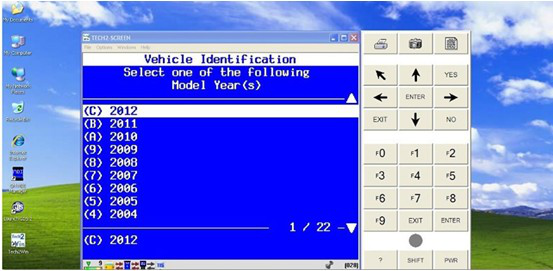
When you want to test before 2010 year GM car, you can use the tech2win software to test it,run fast and stable:
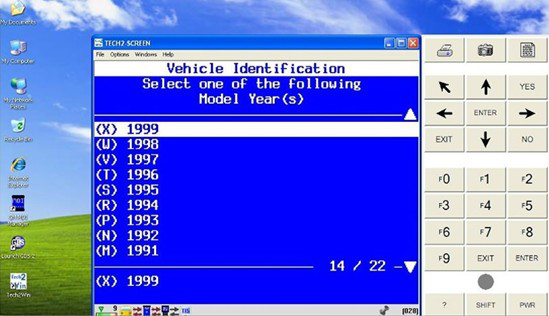
Test steps:
1: finish update lease step, connect with Car OBD, click diagnostic icon on the interface. Choose brand and click “input” on lower right corner, car information will be read automatically, or you can choose manual input VIN
2:choose test what you want, like module diagnostic—engine control modual—identifying information
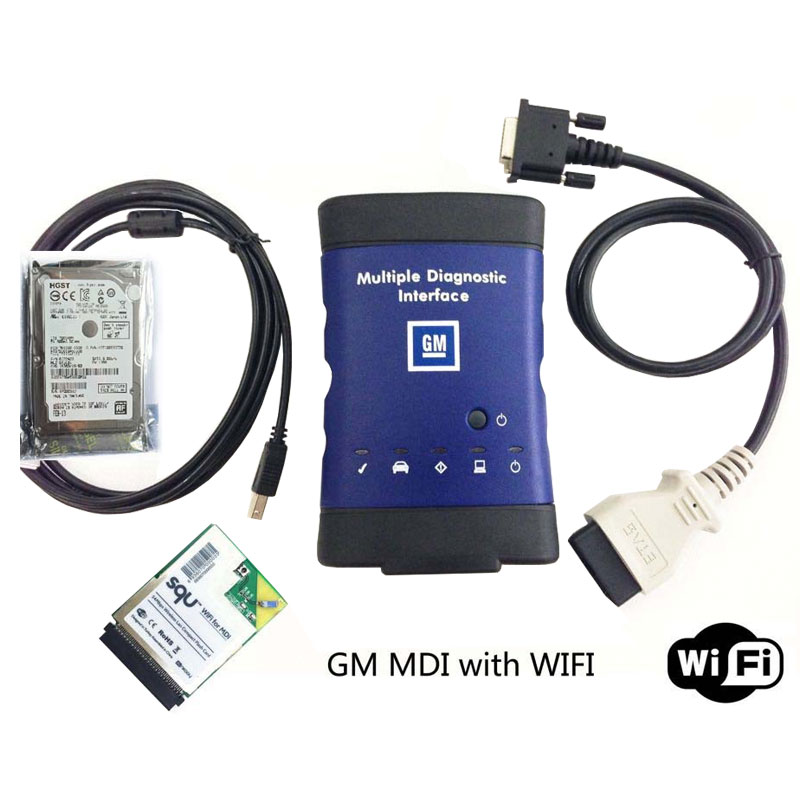
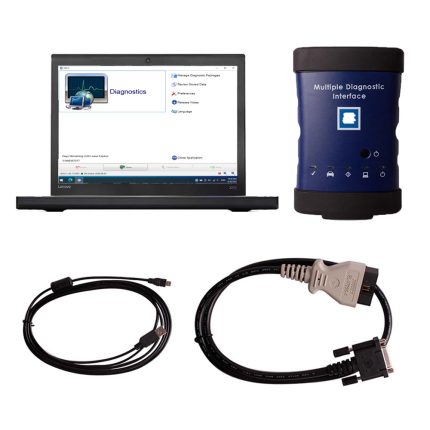
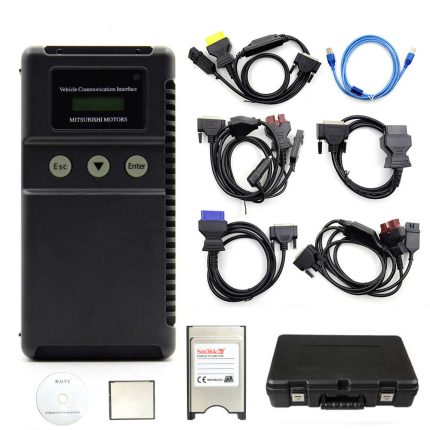
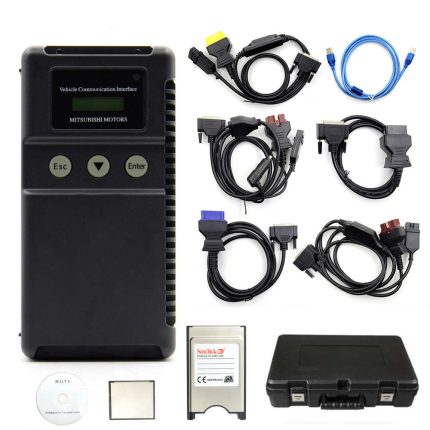
MDI Scan Tool Package List:
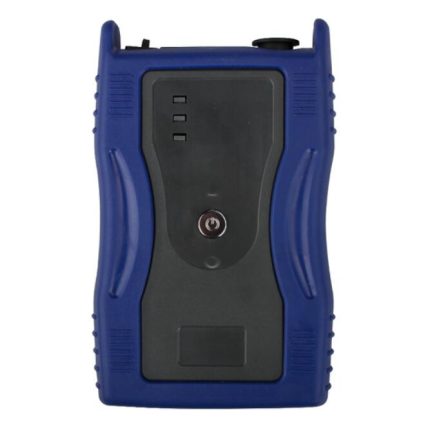
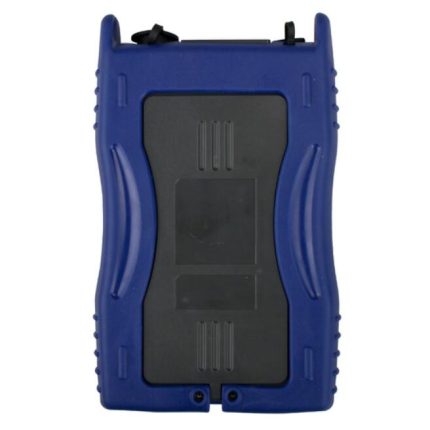
1pc x MDI Main unit
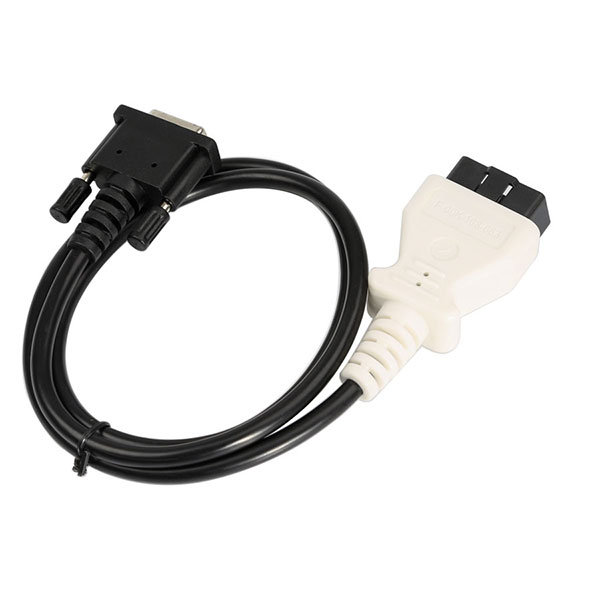
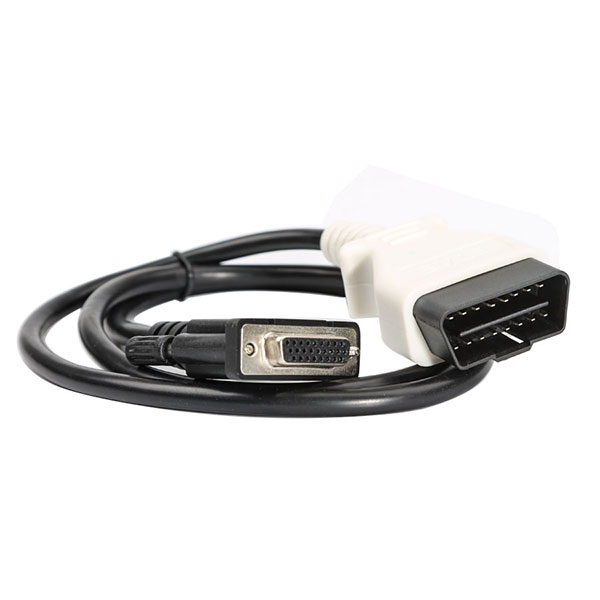
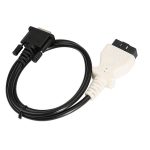
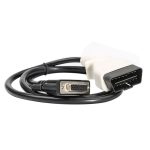
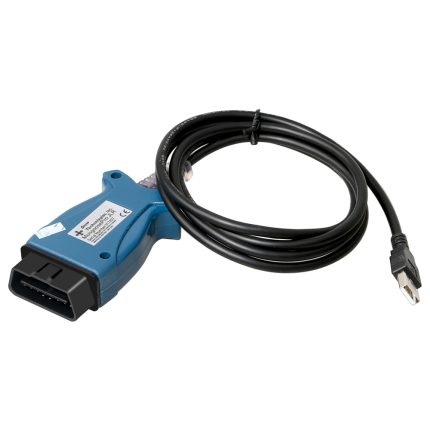
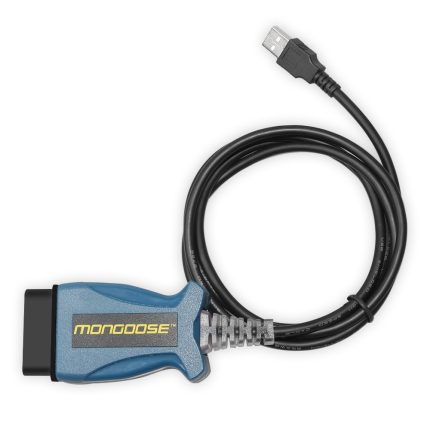
1pc x OBD2 Cable
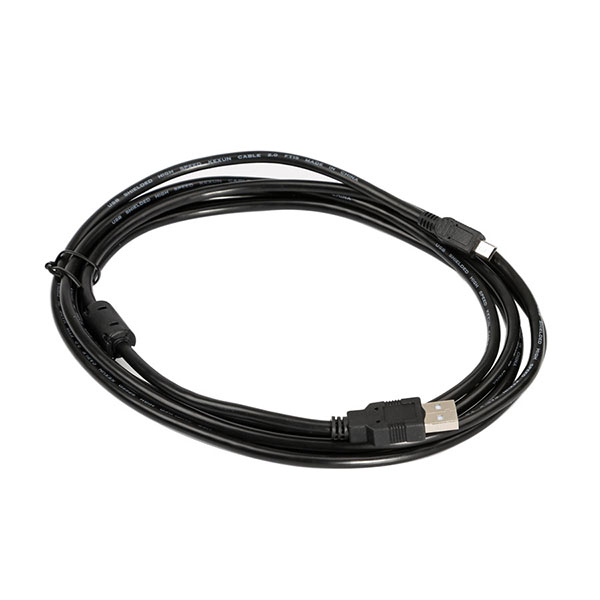
1pc x USB Cable
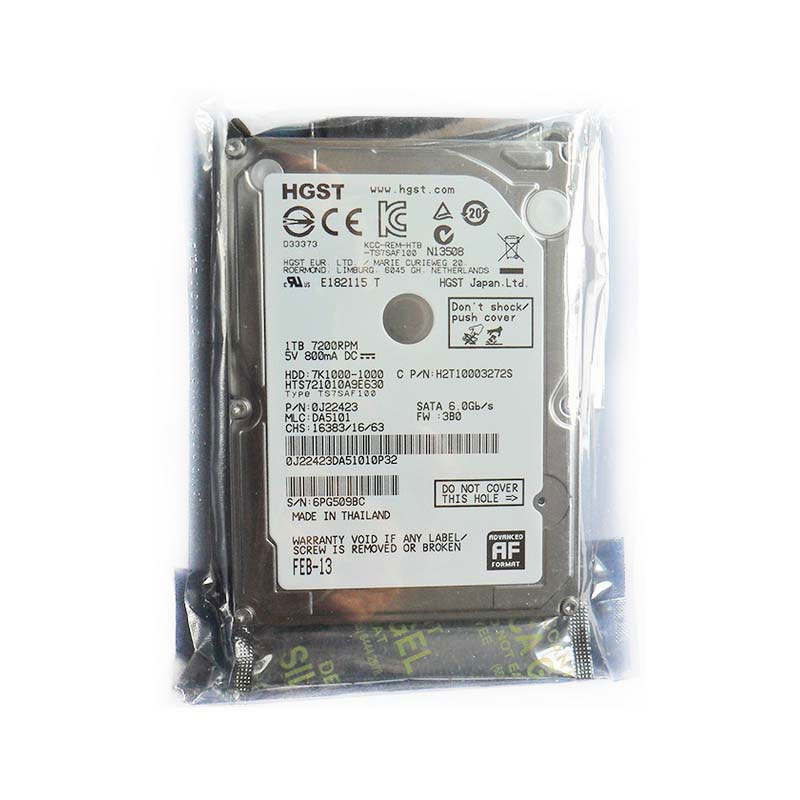
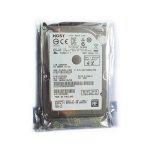
1pc x HDD
| Weight | 2.5 kg |
|---|


Albert –
Good tool. I really like it!
DAVID VALENCIA –
very good order and fast shipping thanks so much
Matthew Taylor –
exactly as expected
Odusan Oluwaseun –
Perfect unit. Does what the seller claims.
Liz Katrine –
Very good contact, goods consistent with the description I am very satisfied.
Anthony Howard –
It is a good tool. I’m had test on my car. Thank you.
Philip Yaw Osei –
The device is checked, working occupying itself. You can take!!! Sent fast. I use since March-problems have not yet been identified.
Nisse Hult –
I’m get the product quickly. Thank you.
William Laquitara –
Parcel received, and GDS2 is working perfectly.
Armand Freeman –
received GM MDI , thank you for helping us solve the problem,too
Beacher Forster –
Love it use it for my cars