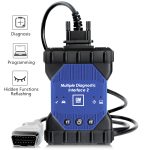
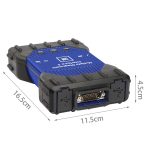
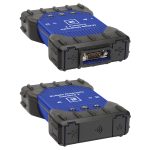
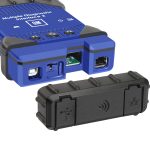
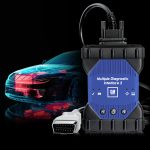
Best Quality GM MDI 2 Diagnostic Tool Multiple Diagnostic Interface with WIFI V2026.02
198.00$
MDI Multiple Diagnostic Interface. Supports all Vauxhall /Opel 16 pin vehicles from 1996 to 2025. With Software GDS 2026.02, supports WIn10, for Vauxhall Opel/Buick and Chevrolet.
PLEASE NOTE:
1.Please don’t login your GM online account when using the MDI tool, it has the risk that your online account will be locked.
You can use the VIN (Vehicle Identification Number) and download the calibration and programming files, and then use the DPS to do programming offline.
2.If you select Option4: GDS and Tech2Win Software Remotely installation (Only one laptop)
We will install the newest GDS2 and Tech2Win Software remotely via TeamViewer remote tool.
System Requirements: OS: Windows 10 (64-bit) and C drive space more than 120 GB.
Highlights of GM MDI 2:
1. Software version: V2026.02
2. GM MDI Manager version: 8.5.33.154
3. Update time: GM Global V2026.02
4. Fully tested and works perfectly
5. High speed and low-speed GMLAN
6. Supported Protocol: UART, Class 2, KWP2000,GMLAN (CAN)
7. For all GM CHEVROLET BUICK CADILLAC GMC HUMMER PONTIAC SAAB Vauxhall/Opel 16 pin vehicles from 1996 to 2025
8. Multi-language: German, Spanish, French, Italian, Dutch, Portuguese, Vietnamese, Russian, Thai, Japanese, Korean, English, Chinese
9. Tech2win: English only
Language:

Vauxhall / Opel MDI 2 (Tech 3) OEM Level Diagnostics
MDI scan tool is the Multi Diagnostics Interface
Works as the high-quality Vauxhall / Opel dealer diagnostic interface
Can be used with Global TIS, GDS 2, Tech2Win software on a new laptop
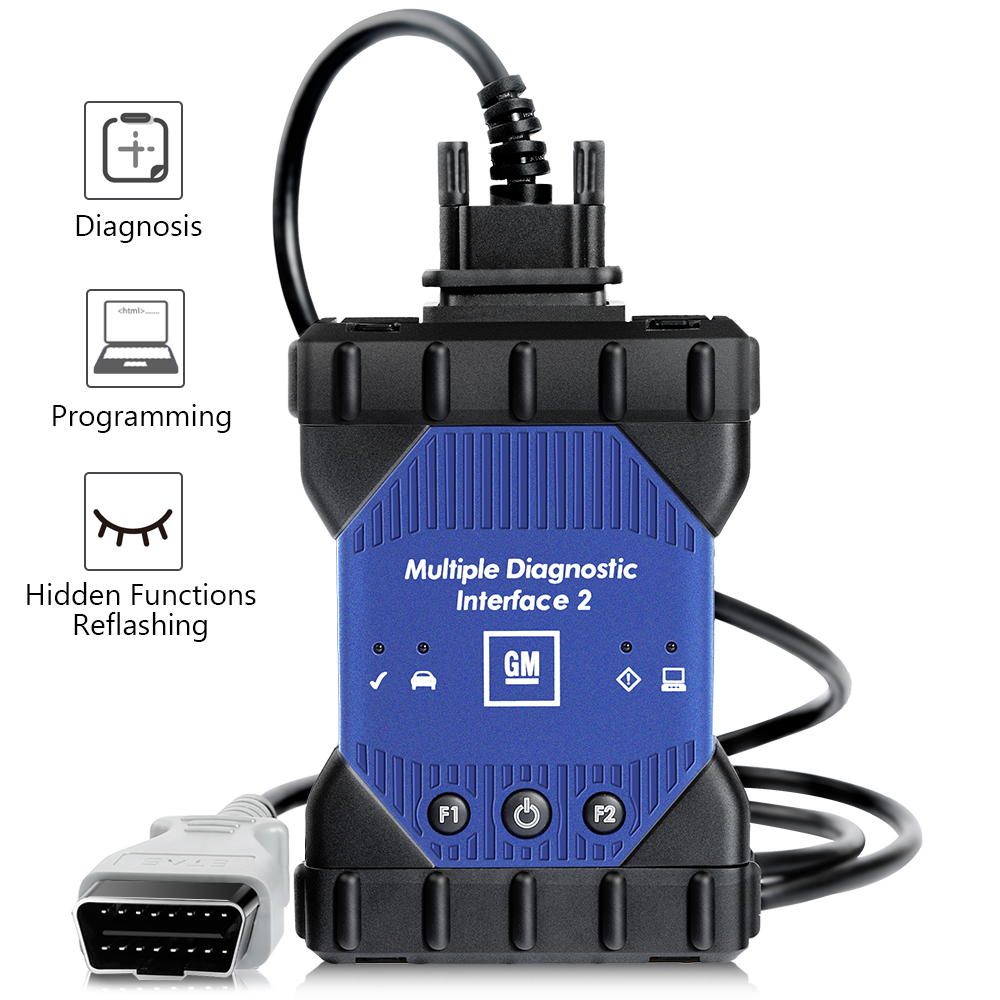
Provides full dealer level diagnostics and programming
Supports all Vauxhall /Opel 16 pin vehicles from 1996 to 2025
Perfoms quickly and used easily to make customers happy and win new business by offering the exact same functions as the main dealers, including;
* Automatic vehicle recognition
* DTC reading and removal
* Complete list of live data streaming for all main ECU
* Recordable / playback of live data
* New software flash for existing ECU to fix drivability issues
* Programming and installation of new ECU (PCM, ABS, Instrument cluster, air bag, fuel pumps etc.,)
* Programming new keys
* Setting / removing speed limiters
* J2534 pass thru offering ECU re-flash and diagnostics for other vehicle manufacturers, when subscribed to their specified software
* More dealer specific functions
GM MDI 2 and GDS Background
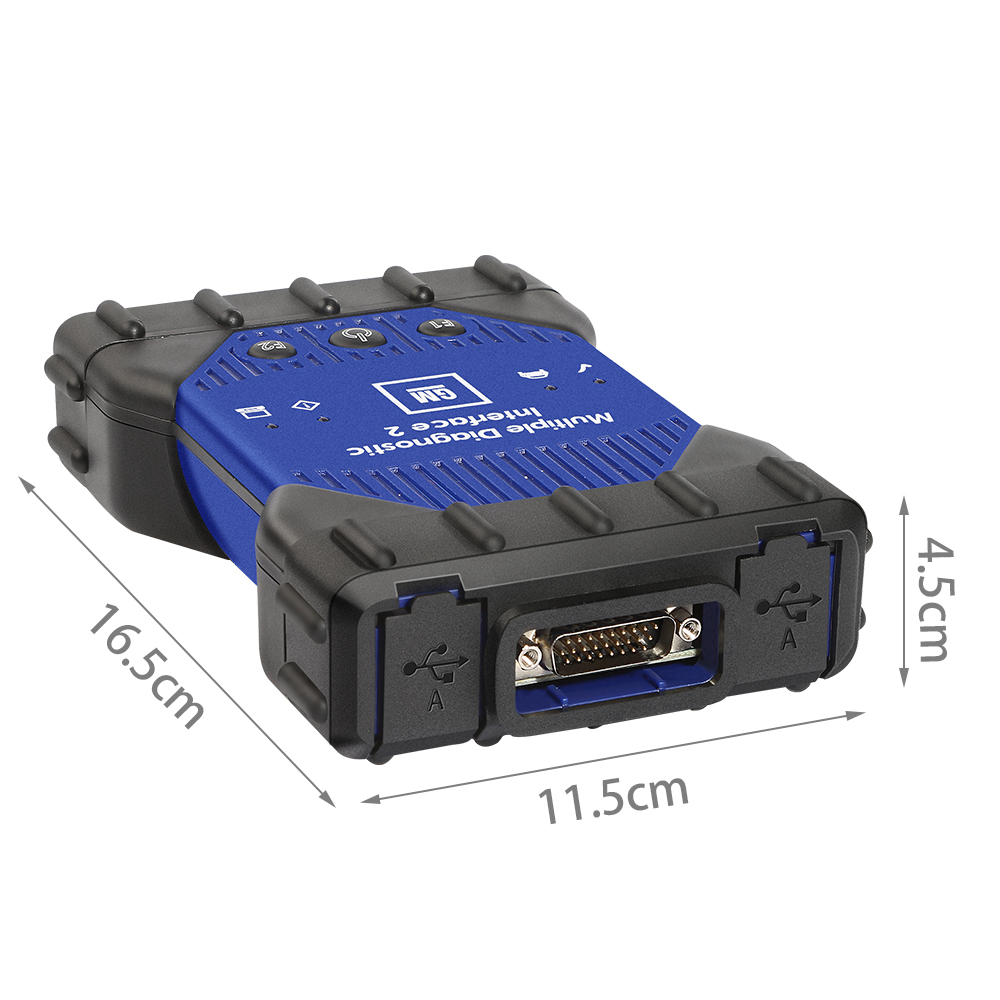
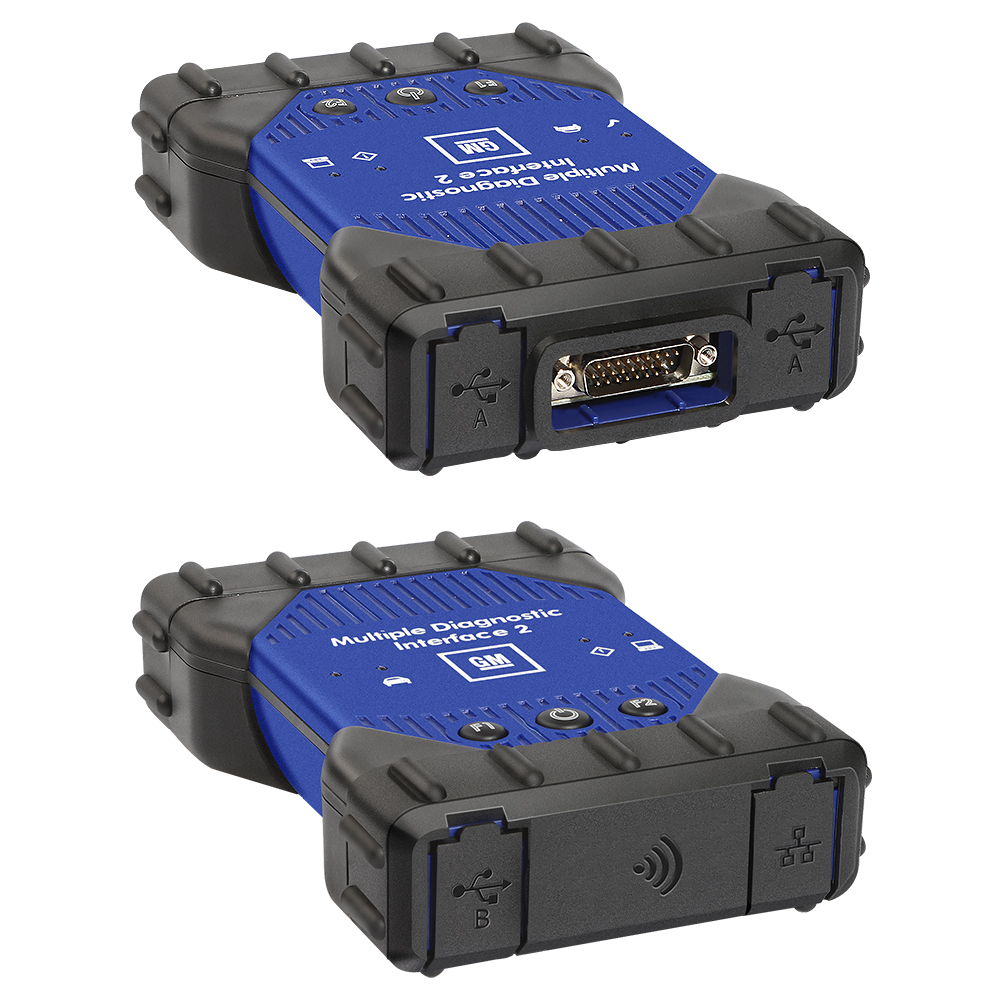
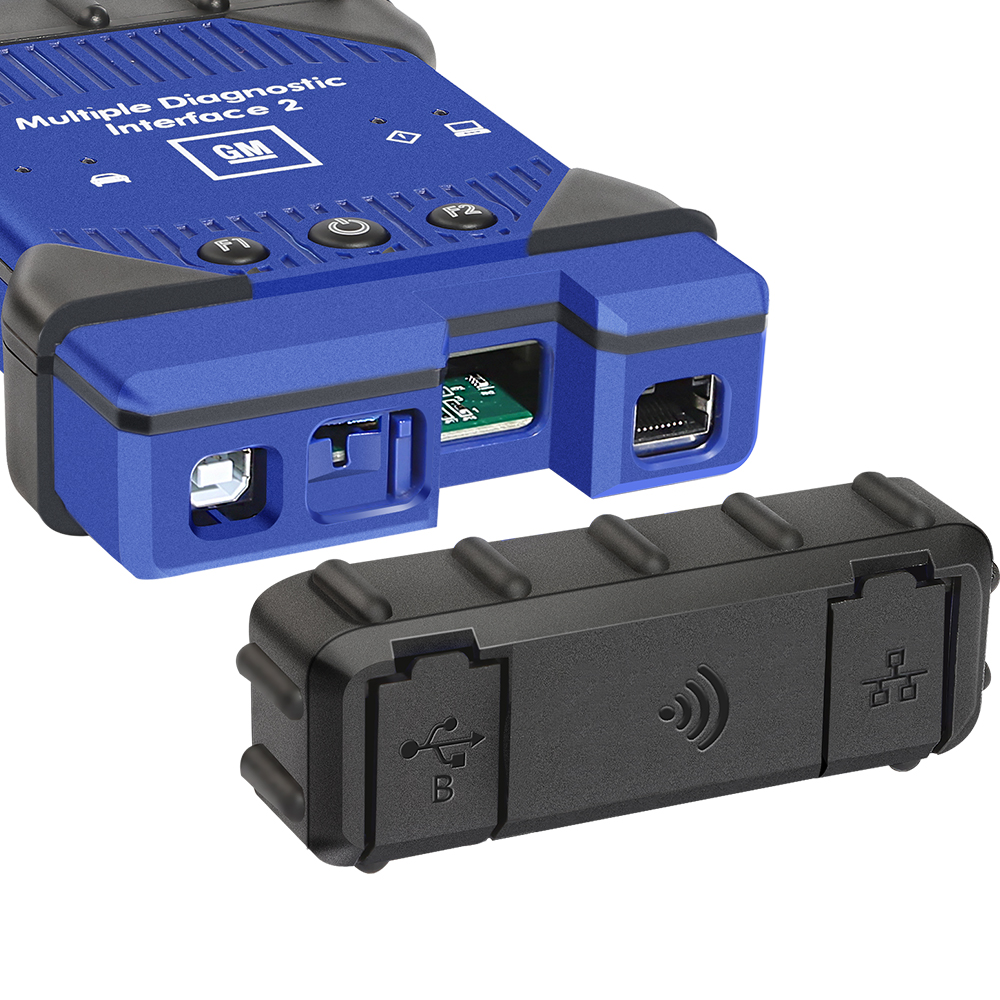
MDI is an interface between the vehicle DLC and a PC (by wired USB, wired Ethernet, wireless Ethernet ) and TIS2web.
Can be Used for SPS programming on existing and future SGM vehicles
Required for diagnostics on new SGM Global A Electrical Architecture Vehicles
Used with TIS2Web, GM Global Diagnostics System (GDS), SPS and MDI Manager Software
Allows for GDS diagnostic
GM Multiple Diagnostic Interface (MDI)
All current and most legacy vehicle protocols: UART, KW2000, CLASS2, GM LAN, etc.
Needed for Global A architechture vehicles
Supports Service Programming System (SPS)
Passthrough progrmming on past model and Global A vehicles
Supports PC-Based diagnostics with rollout of the Global Diagnositc System (GDS) application
Includes Flight Recorder Mode
What protocols does the GM MDI 2 support?
For immediate use — At present, vehicles have two buses on the 16 pin connector
(high speed and low speed GMLAN). The GM MDI communicates using all of the existing GM protocols, the same as the GM Tech2:
– UART
– Class 2
– KWP2000
– GMLAN (CAN)
When you test after 2010 year gm car, you can use gm gds2 software:


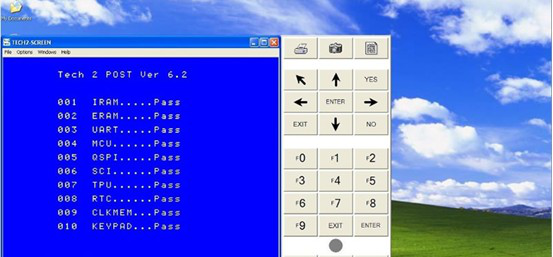
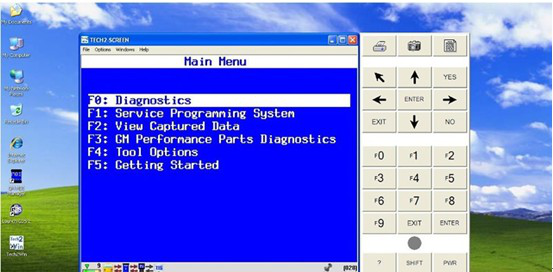
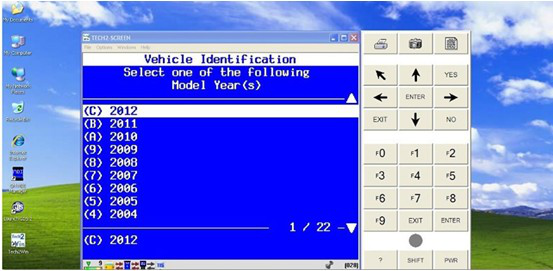
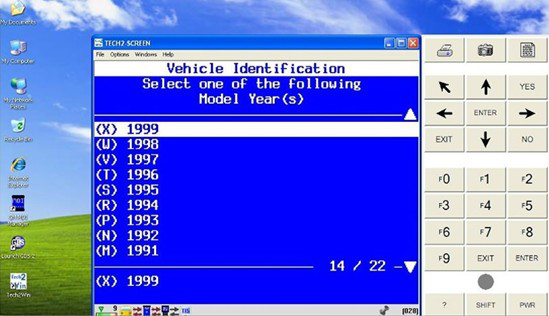
When you want to test before 2010 year GM car, you can use the tech2win software to test it,run fast and stable: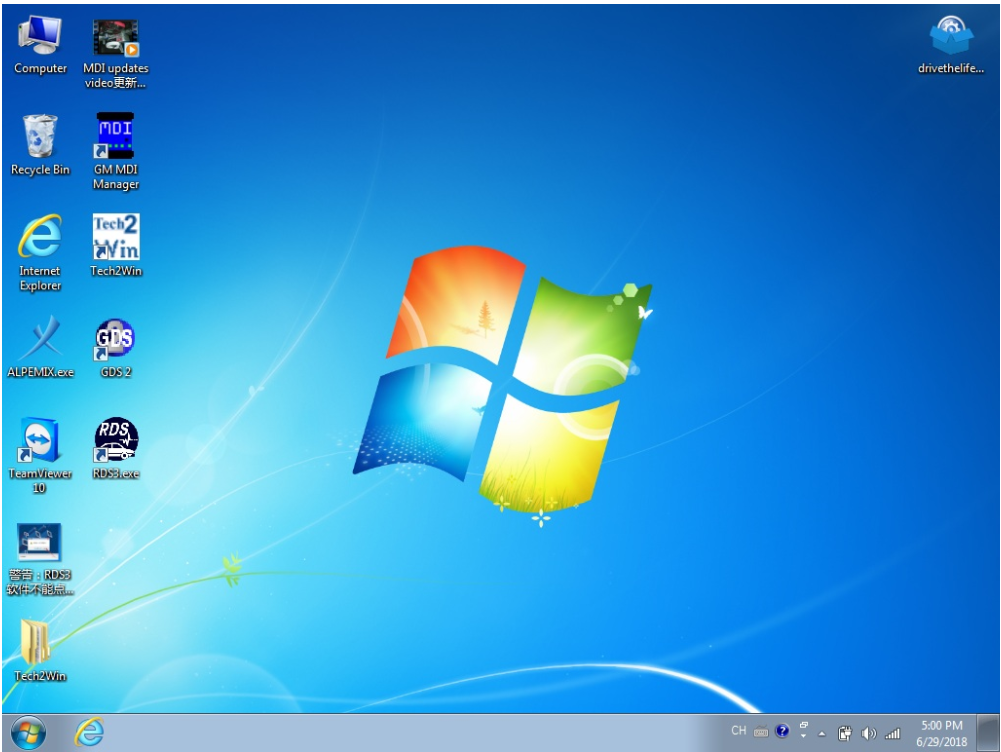
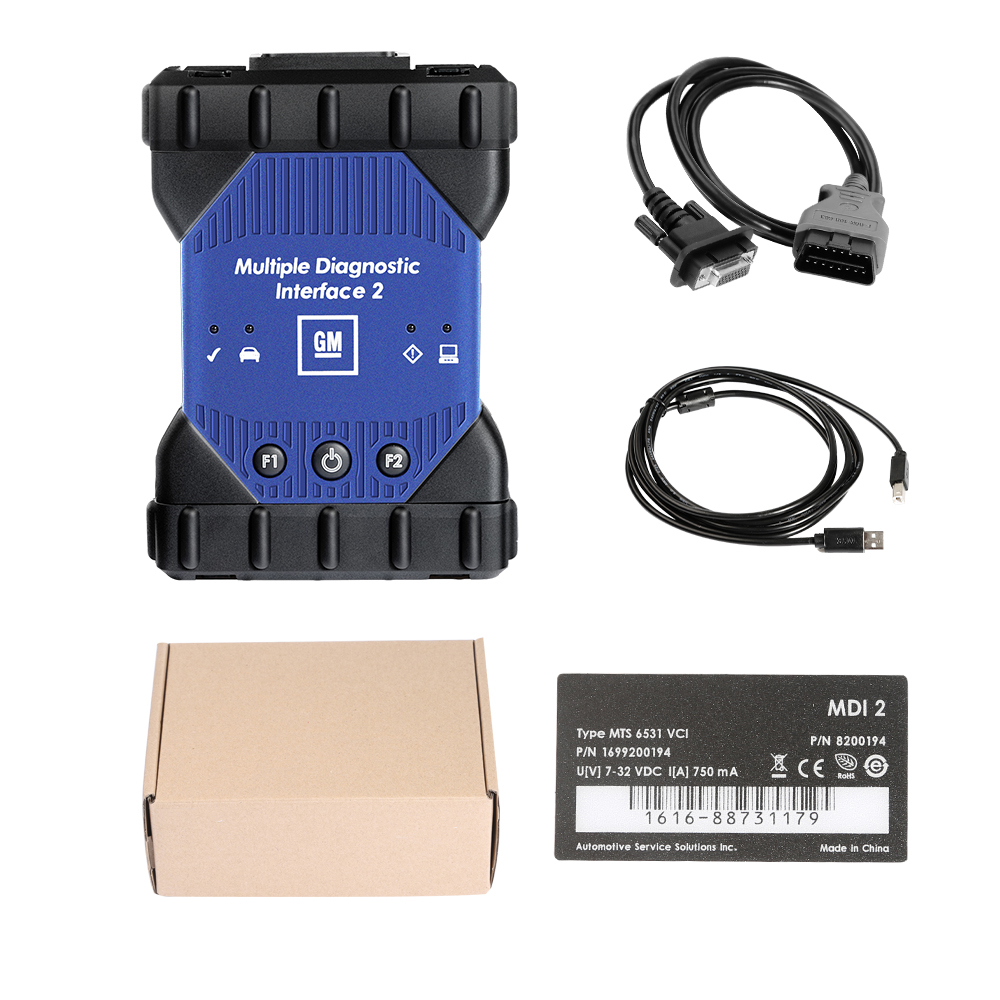
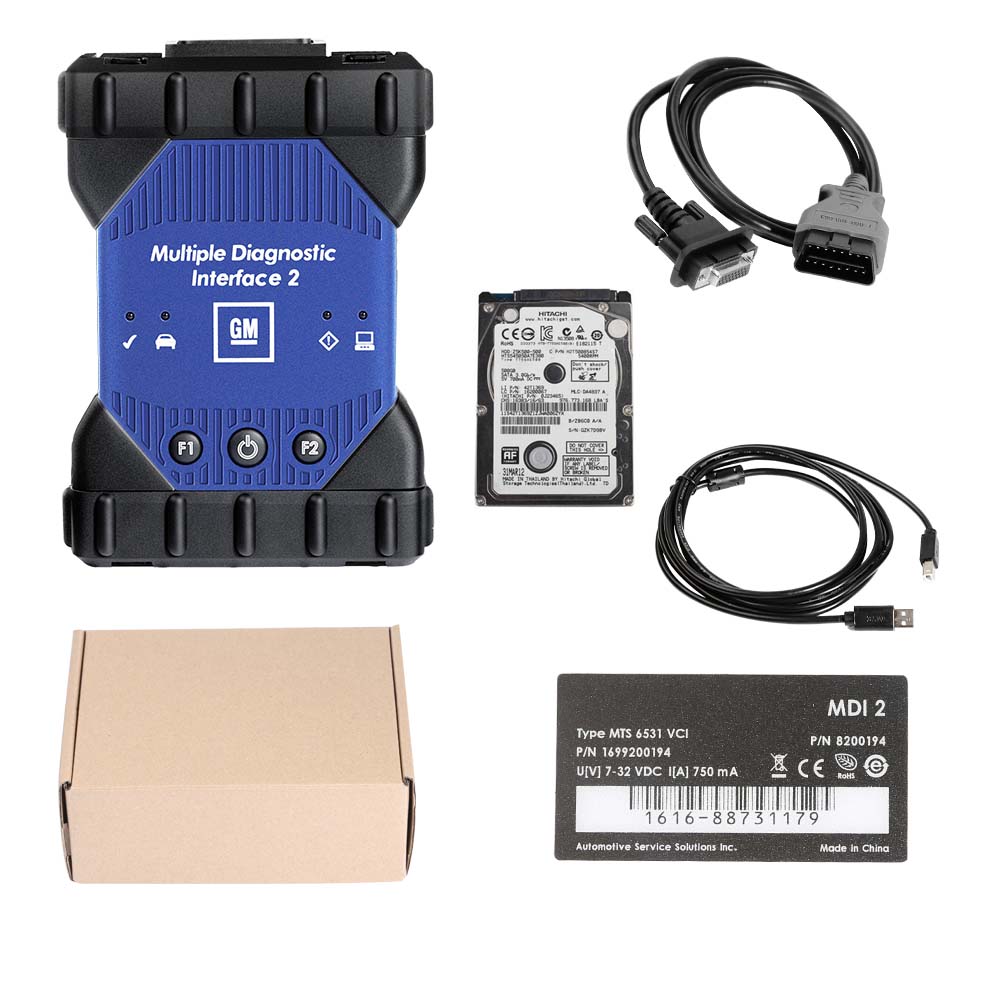
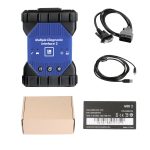
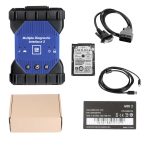
GM MDI 2 Scan Tool Package List:
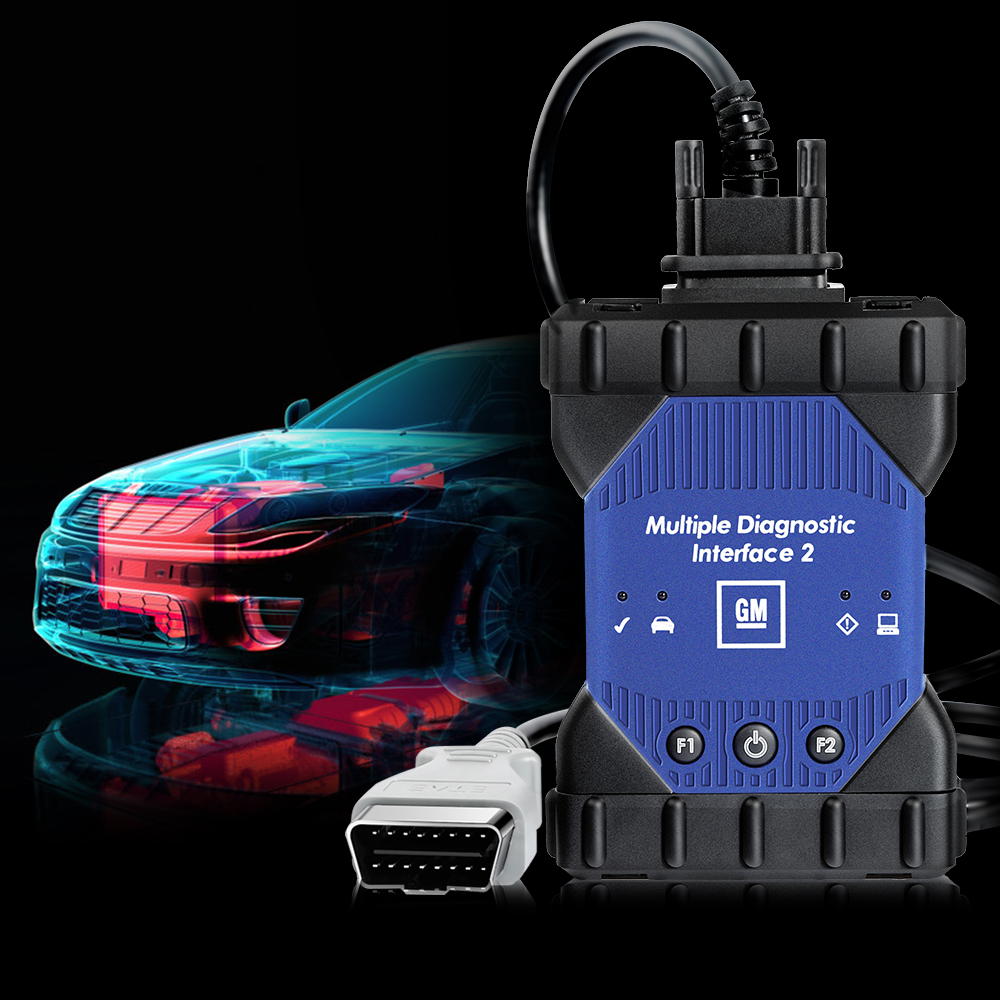
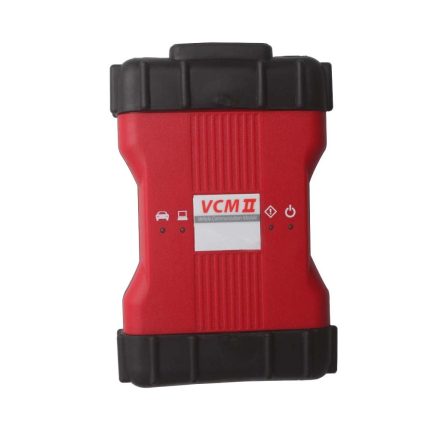
1pc x MDI 2 Main unit
1pc x OBD2 Cable
1pc x USB Cable
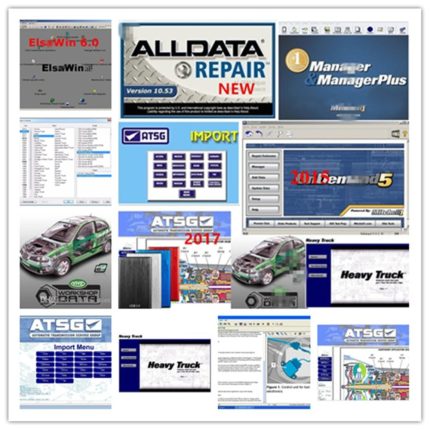
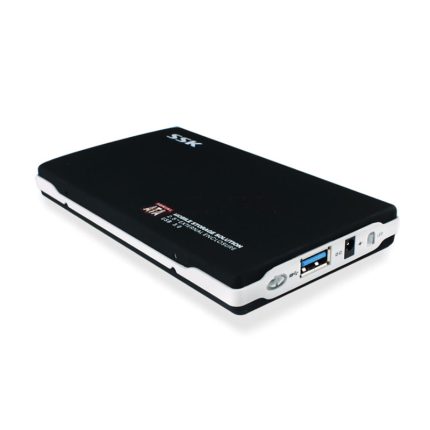
1pc x HDD/SSD (Optional)
1pc x GDS2 and Tech2Win Software Remotely installation (Optional)
| Weight | 2 kg |
|---|


Samuel Donkor –
I have to say that this MDI2 has powerful functions and worked well on my Opel car,which was very convenient.
Leif Beck –
Thank you seller for fast shipment!
Fernando Oliveira –
I’m only need the tool because my old tool been damage by the Child. This tool is perfect.
Larry Grimes –
It is not easy to fit the new HDD into the laptop. I’d ask my friend who know the computer to help me. And it is need to close the Antivirus software while you plan to install and use the software.
ugwuka Ezekwesiri David –
It is cheaper than others. The quality is the same too. Thank you.
Ashraf Ghazi –
I’m just Programming and installation a new PCM. Thank you.
Alex Roffey –
I’m just Programming on my Clevrolet. Thank you.
imron zain –
It is worked on my Vauxhall 1997. Thank you.
Jaime V. Giva –
I’m had try the ECU programming function. It is fine. Thank you.
onaiwu nicholas aifuagbon –
I’m get the tool quickly. Thank you.
Hirotaka Nakajima –
It is could diagnose my Opel 2016. Thank you.
karl helbich –
the device is great, it helps me a lot, I make money with it
kong chang –
Hello it works Great thank you tech 2 works
Merk Dietmar –
Hi, thanks I already solved the software problem , I appreciate your support