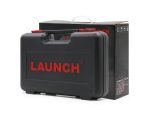
New Released Launch X431 Diagun IV Diagnotist Tool with 2 years Free Update X-431 Diagun IV Scanner
638.00$
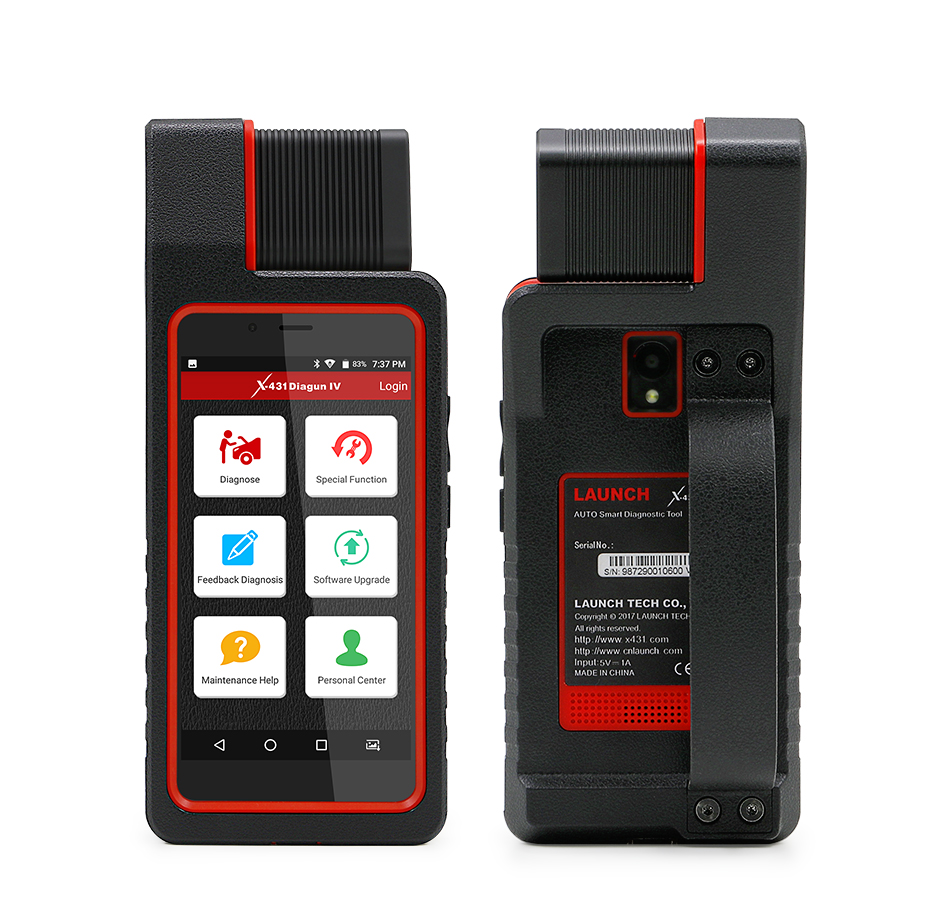
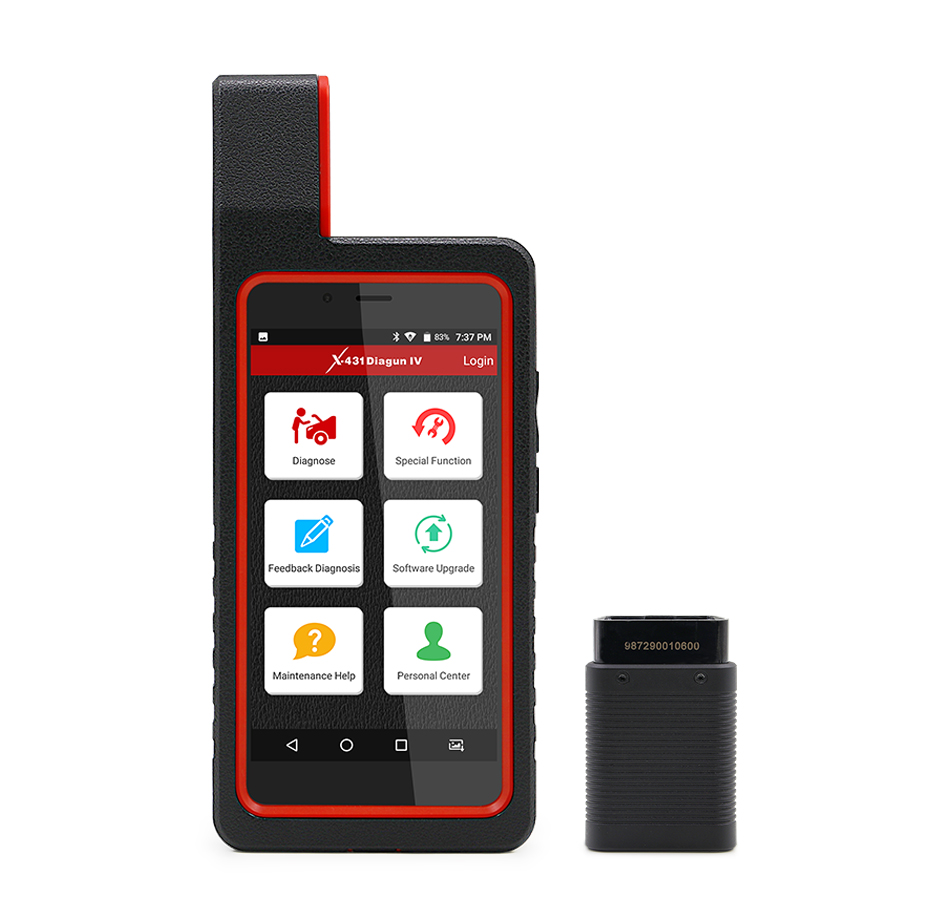
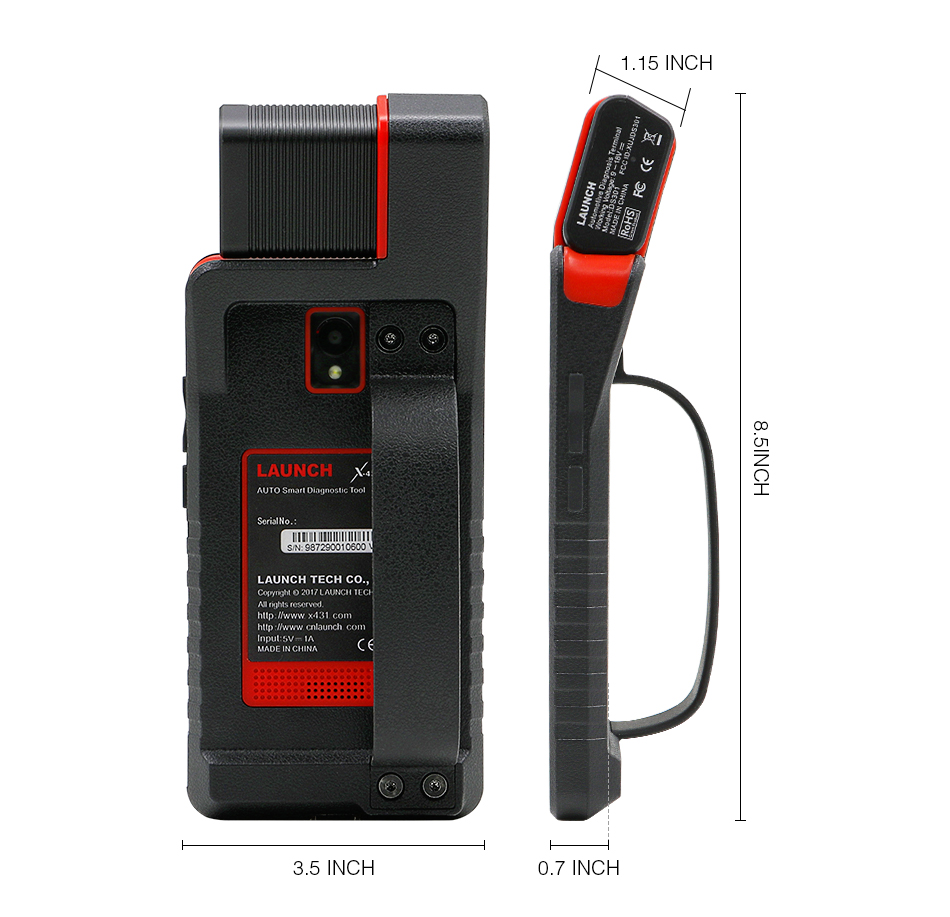
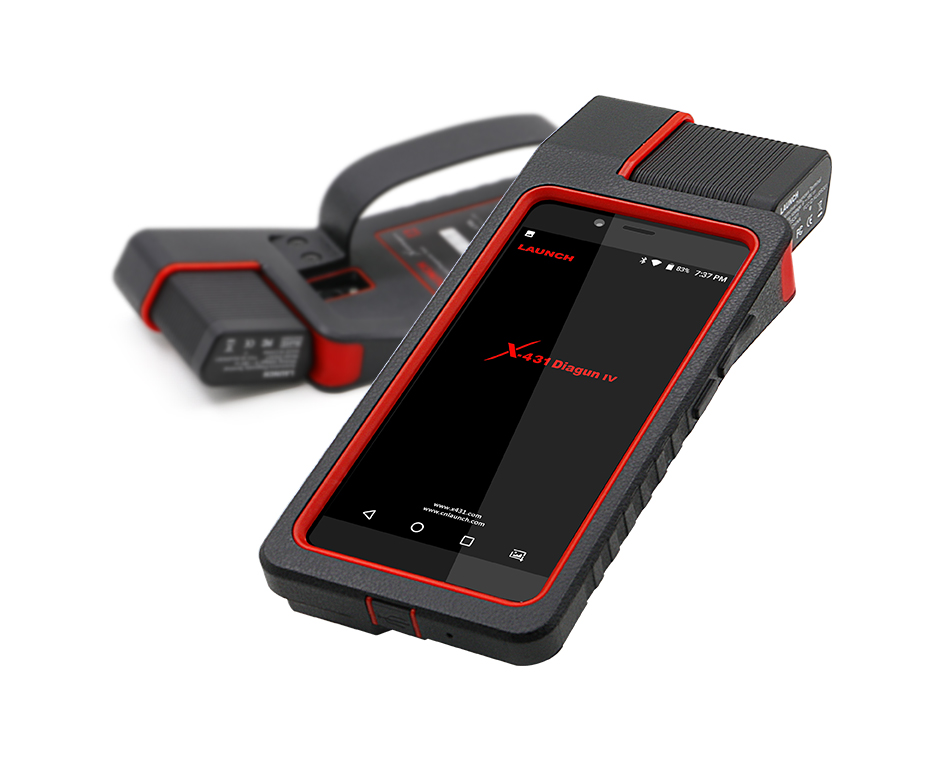
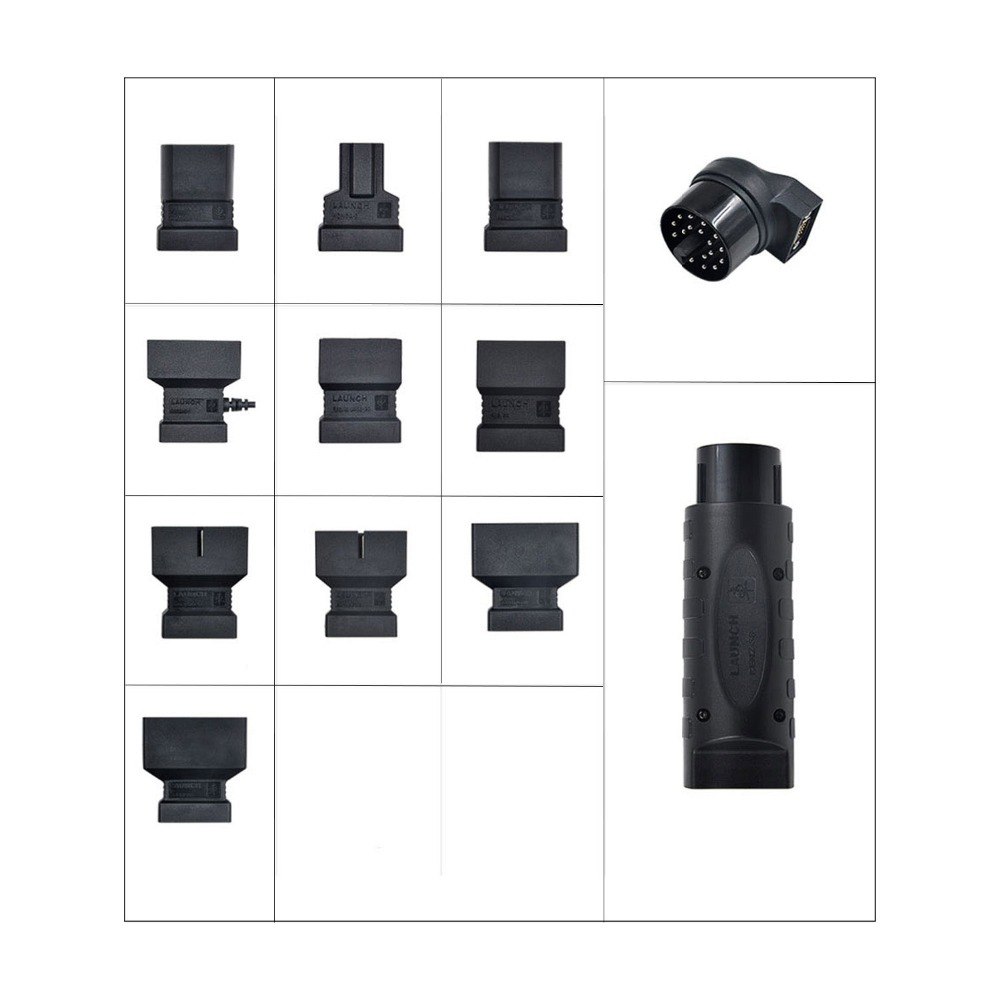
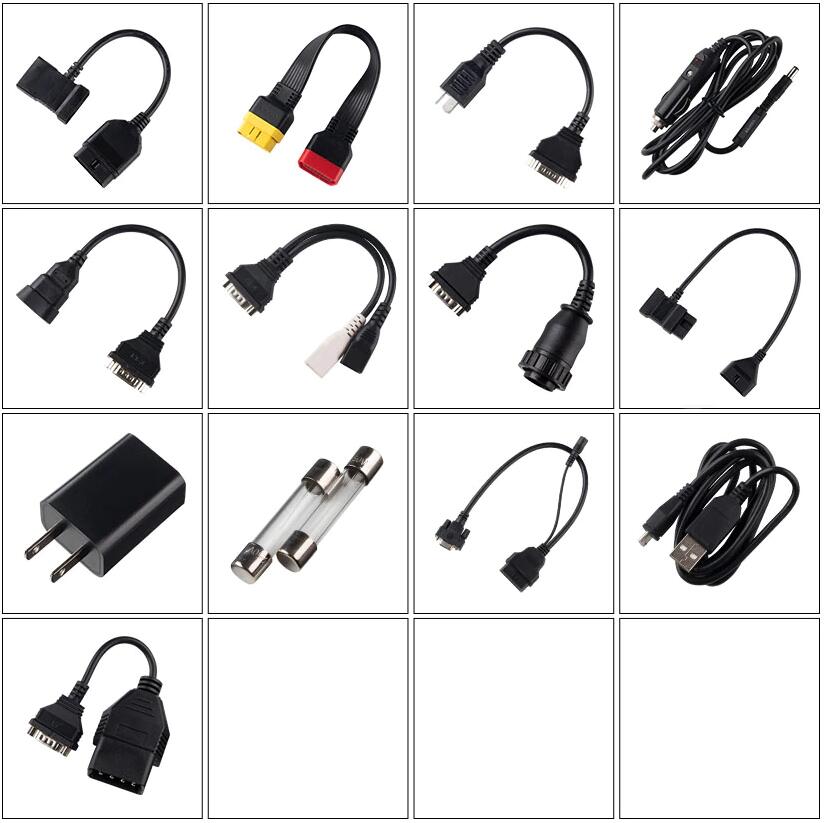
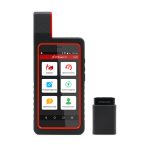
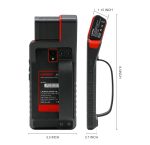
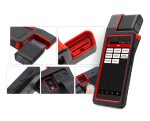
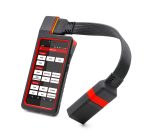
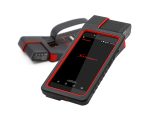
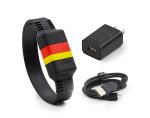
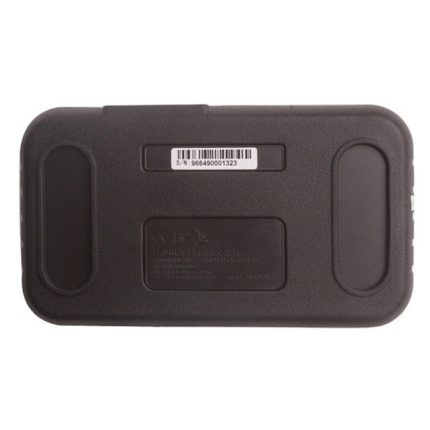
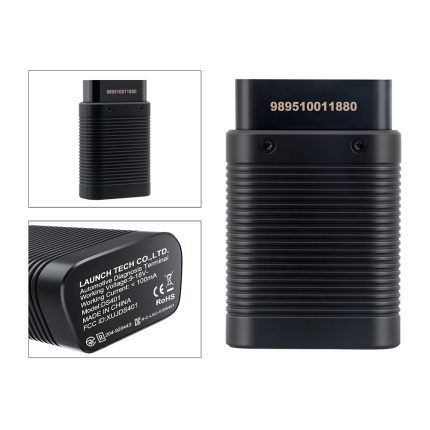
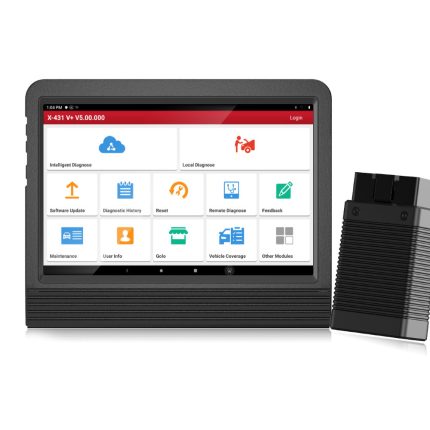
X431 diagun iv is a new diagnostic tool release by Launch tech. It composed of an X-431 PRO pad computer, a protection sleeve, a DBScar diagnostic connector and many OBD1 to OBD2 connector. It communicate with your car by DBSCAR connect with bluetooth, it
Top Reasons to choose Launch X431 Diagun IV
1.Latest version
2.2 years free update online.
3.Multi-language, you can change the language by yourself, dont need to send to seller to activate it.
English, French, Spanish, German, Italian, Portuguese, Turkey, Polish, Dutch, Greek, Hungarian, Danish, Persian, Romanian, Serbian, Finnish, Swedish, Czech, Arabic, Russian, Japanese, Korean, Traditional Chinese and Simplified Chinese.
4.With Android 7.0 system, supports one-click update.
5.Handset, Easy to operate, avoid broken or lost bluetooth adpater.
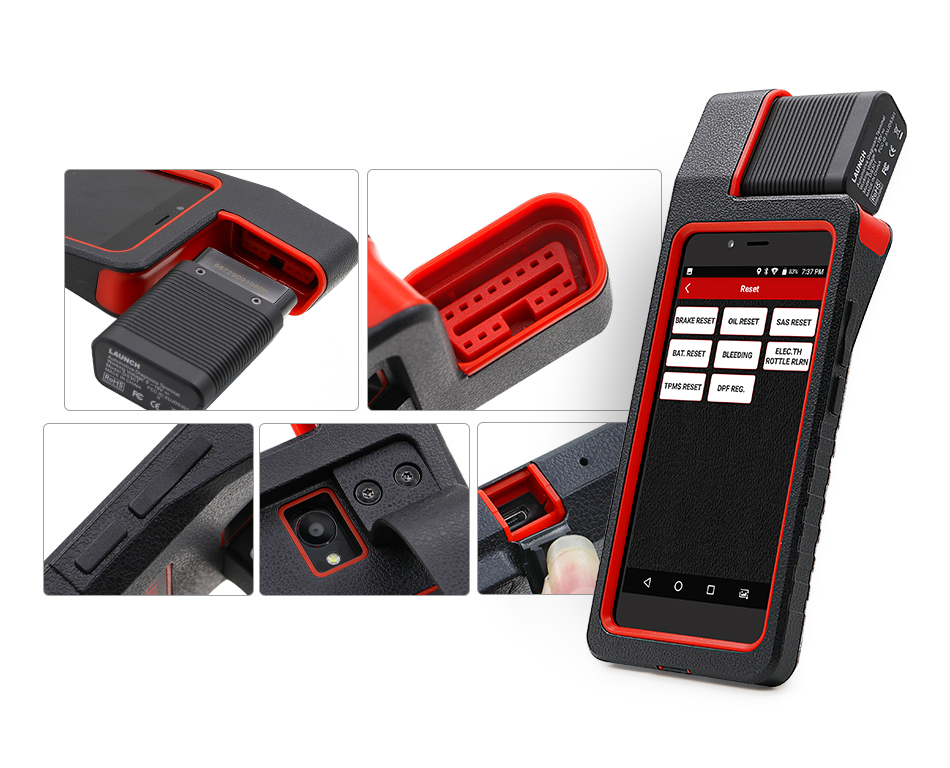
6.Add Special Function: Brake Reset, Oil Reset, SAS Reset, BAT Reset, Bleeding, Elec.TH Tottle Rottle Rlrn, TPMS Reset, DPF REG.
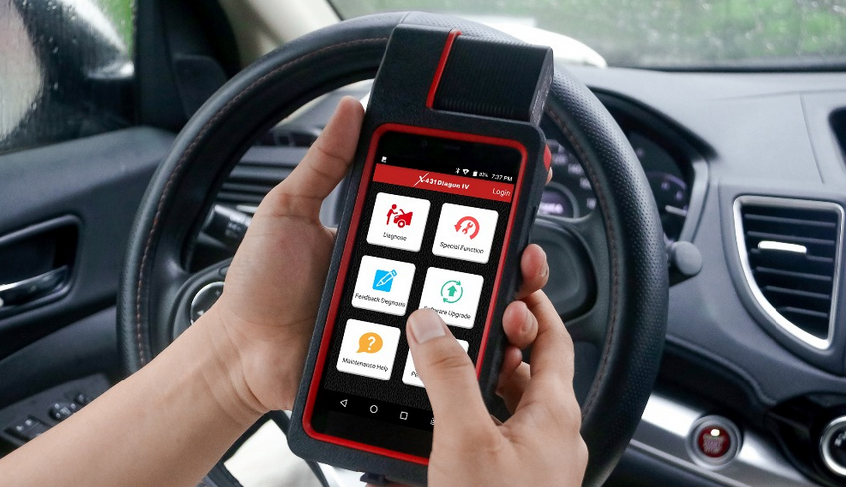
X-431 IV is am slim evolutionary vehicle diagnostic tool, Featuring a quad-core 1.1 GHz processor, and a 5.5 inch captitive screen, X-431 Diagun IV delivers diagnostic functionality which helps to diagnose vehicles issues more efficiently
In addition, X-431 V Diagnostic support Wifi connection , one-click update, diagnostic feedback and all kinds of service function (include Oil lamp reset)
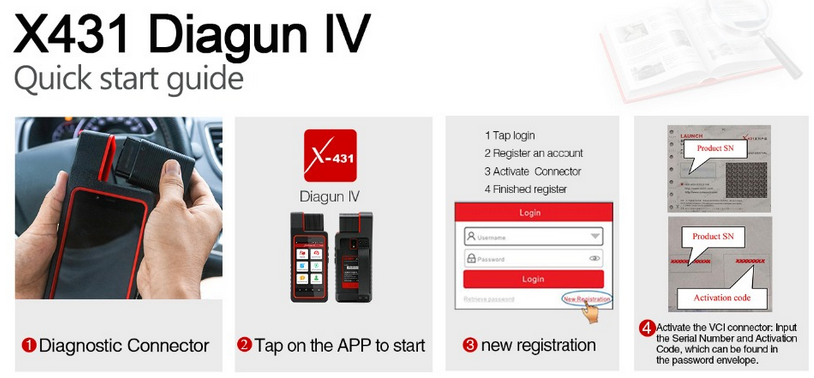
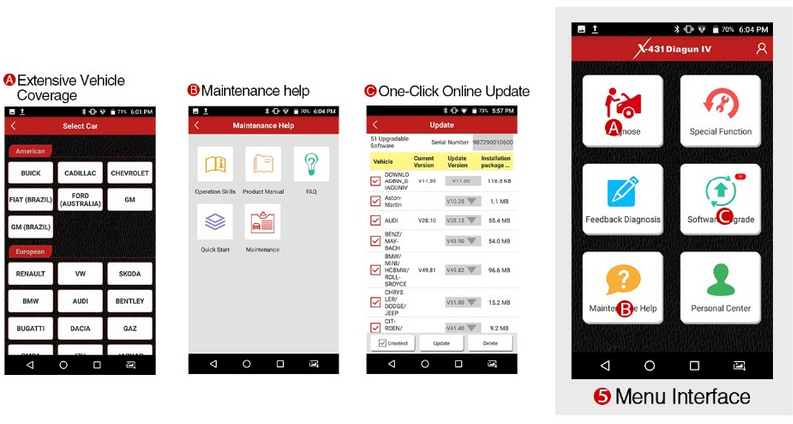
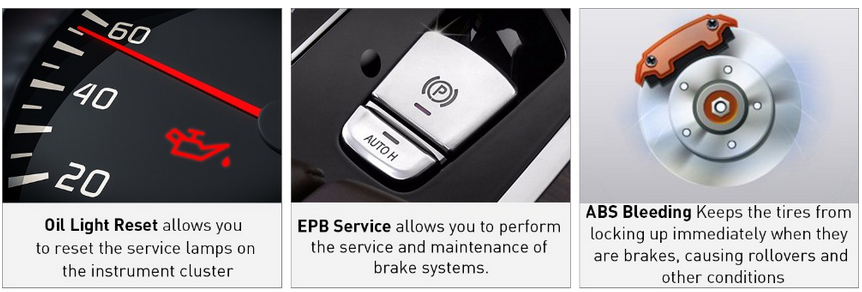
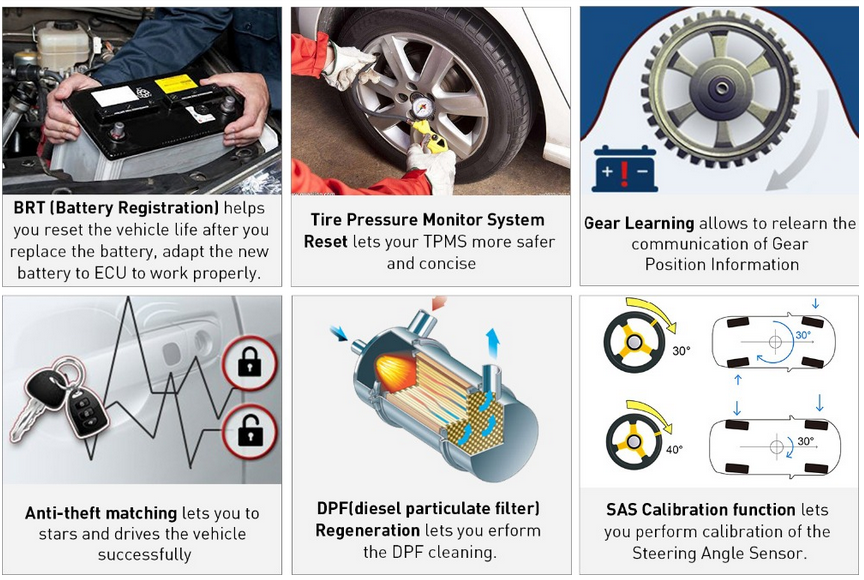
Function:
1. Full Diagnose Function:
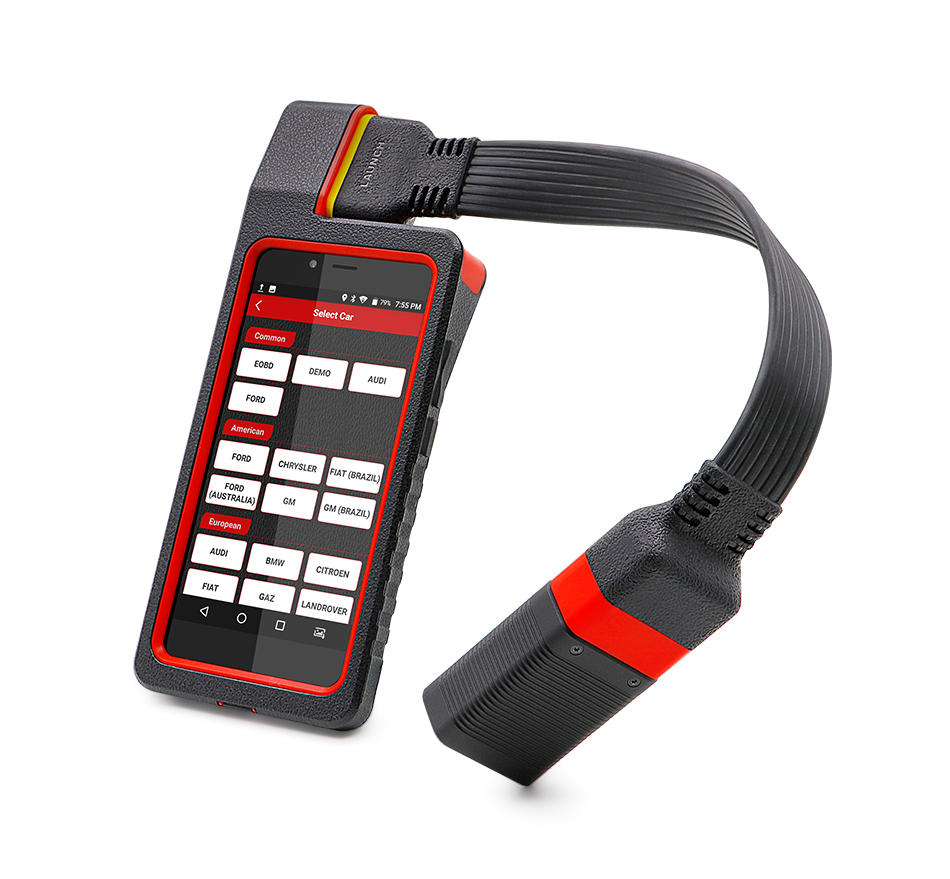
X431 diagun iv can diagnose the electronic control system of prevailing vehicle models covering Asian, European, American and China. Full range car models and full car system diagnose make it a professional automotive diagnostic tool.
Diagnosis functions include: Read DTCs, Clear DTCs, Read datastream, Special functions etc;
Launch X431 Diagun IV Special functions:
The Reset section is specially designed to provide you quick access to the vehicle systems for various scheduled service and maintenance performances.
All resetting operations are driven by executive commands. Just by following the on-screen prompts to select appropriate execution options, input correct values or data, and perform necessary actions, the system will guide you through the complete performance.
1.The most commonly performed service functions contain:
Oil Reset Service
Steering Angle Calibration
Electronic Parking Brake Reset
Battery Register / Battery Maintenance
ABS Bleeding
Electronic Throttle Position Reset / Learn
Diesel Particulate Filter (DPF) Regeneration
Tire Pressure Monitor System Reset
2. Connecting by Bluetooth
X431 diagun iv communication via bluetooth, very easy to use. X431 pro Pad computer specially designed for Android platform with clear and user-friendly interface. X431 pro Pad computer equipped with an exclusive X-431 V protection sleeve to prevent it from being damaged;
3. Browser:
Built-in Wi-Fi module makes surfing on the internet freely;
4.Settings:
To configure your personalized X-431 diagun iv through it;
5. Search:
Enables you to locate your target quickly and conveniently;
6. Email:
Allows you to send and receive email. External POP3 or IMAP email account for some common Web email service provider can be added;
7. File Manager:
You can manage the files or downloaded files stored in SD card efficiently;
8. Other Additional Functions:
Alarm, calendar and calculator etc.
9. Applications:
Other android based applications can be customized to install or uninstall.
10. Software Update:
Once a newer diagnostic software version is detected, a prompt message will pop up on the screen. To keep synchronized with the latest version, tap “Update now” to enter the update center.
Diagun IV (Diagun4) Compatible Vehicle Brands:
·Abarth
·Acura
·Alfa Romeo
·Audi
·Bentley
·BMW
·Buick
·Cadillac
·Chevrolet
·Chrysler
·Citroen
·Dacia
·Daewoo
·Daihatsu
·Dodge
·Fiat
·Ford
·GAZ
·Geely
·GMC
·Goinggreen
·Greatwall
·Holden
·Honda
·Hyundai
·Infiniti
·Isuzu
·Jaguar
·Jeep
·Lancia
·Land Rover
·Lexus
·Mazda
·Mercedes-Benz
·Mini
·Mitsubishi
·Nissan
·Opel
·Perodua
·Peugeot
·Range Rover
·Renault
·Saab
·Seat
·Skoda
·Smart
·Ssangyong
·Subaru
·Suzuki
·Tata
·Toyota
·Vauxhall
·VAZ
·Volvo
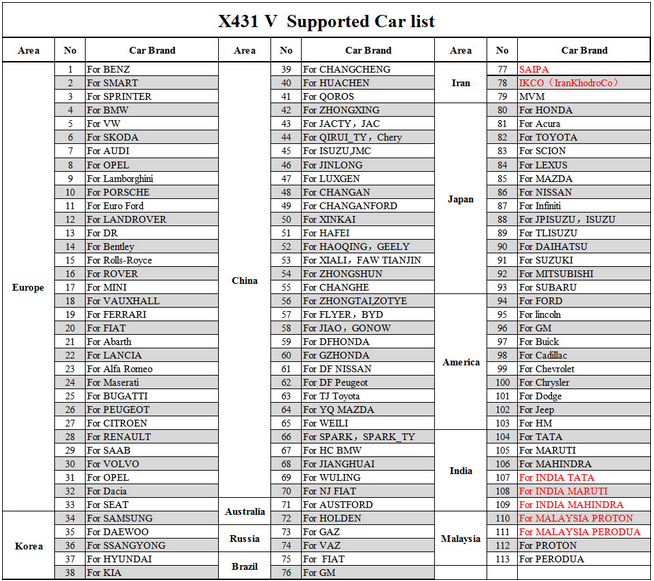
Note: Software with red font is required to be purchased separately.
Technical Parameters:
X-431 Diagun IV:
Operating system:Android 7.0
Processor:Quad core 1.1 GHz
Memory:1GB
Storage:16GB (Expandable up to 64GB)
LCD screen:5.5 inch IPS screen with a resolution of 1280 x 720 pixels
Camera:Front-facing 2MP camera + rear-facing 8MP camera
Battery:2500mh rechargeable polymer lithium battery
Connectivity:
*Wi-Fi: WLAN 802.11b/g/n
*Bluetooth: Bluetooth 4.1
Working temperature:0℃ ~ 45℃
Storage temperature:-10℃ ~ 50℃
V-CI connector:
Working voltage:9~18V
Working temperature:-10℃~55℃
Storage temperature:-20℃~70℃
Relative humidity:20%~90%
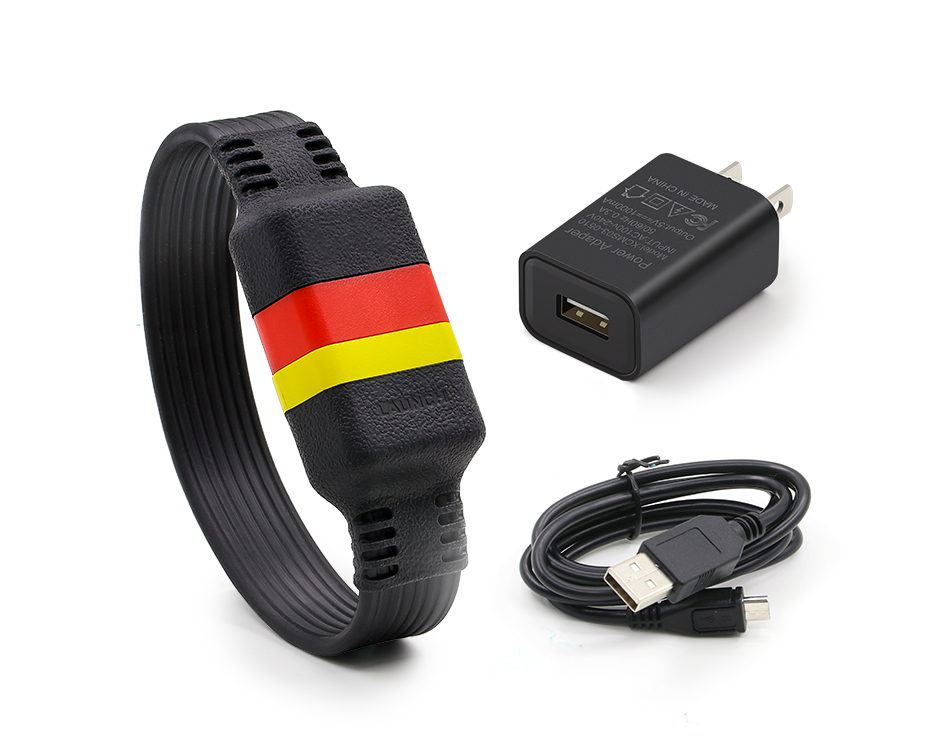
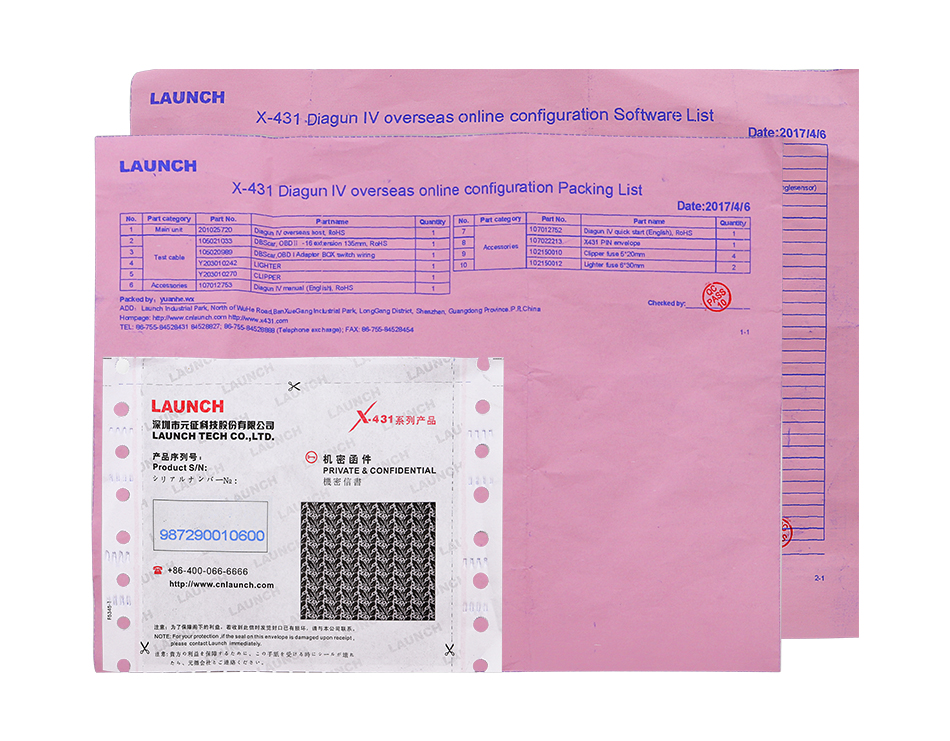
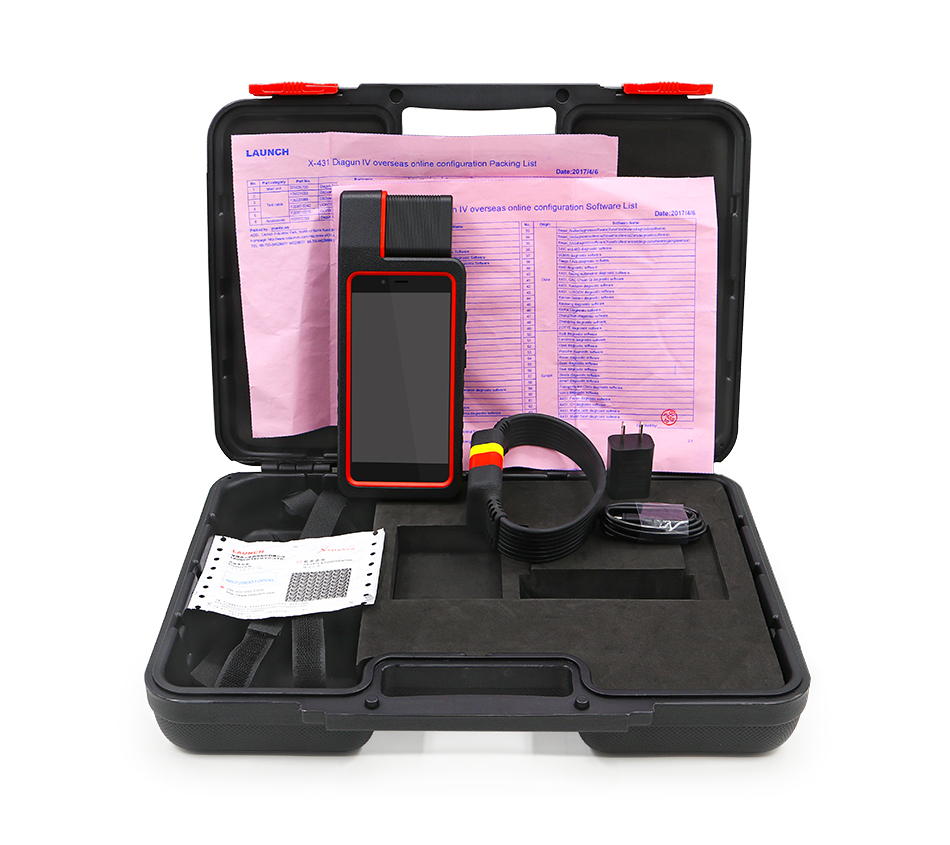
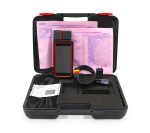
Launch X431 Diagun IV Packing List:
1pc x Diagun lV overseas host RoHs
1pc x DBScar lV diagnostic connector RoHs
1pc x X431 AIT OBD16 extension ine RoHs
1pc x Diagun IV quickstart(English)RoHs
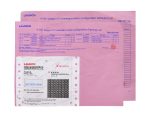
1pc x X431 PIN anvelope
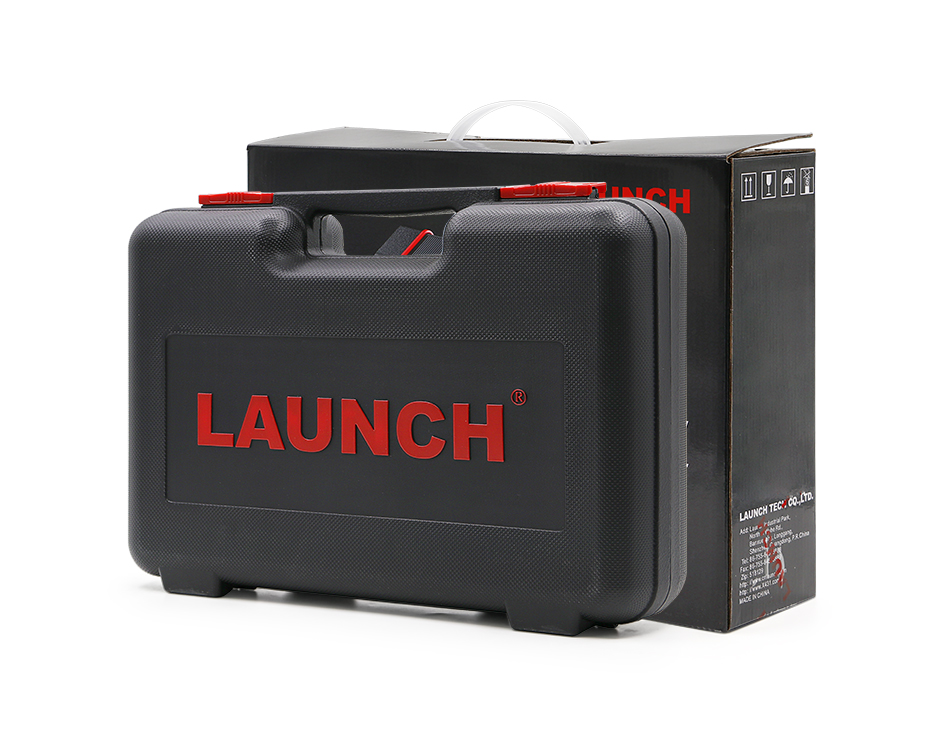
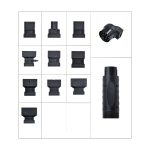
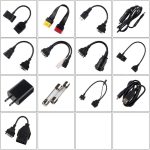
1set x Launch X431 Connector Set Package
FAQ
1. How to save power?
Please turn off the screen while X-431 Diagun IV keeps idle.
Set a shorter standby time.
Decrease the brightness of the screen.
If WLAN connection is not required, please turn it off.
Disable GPS function if GPS service is not in use.
2. What should I do in case I forgot the screen lock?
You can set screen lock as pattern or password. If you forgot the password, please consult your device provider or reset your device.
Warning: Resetting may cause data loss. Before use, please make sure important data has been backed up.
3. How to do if the system runs slow?
In this case, please do the followings:
> Check all running applications and stop the unnecessary applications (Steps: Settings -> Apps -> Running -> Tap the desired application and then tap “Stop”).
> Check all installed applications, remove the unnecessary applications (Steps: Settings -> Apps -> Downloaded -> Tap the desired application and then tap “Uninstall”).
If all steps mentioned above are finished and the system still works slowly. Please try to close the system and reboot your X-431 Diagun IV.
4. How to reset X-431 Diagun IV?
Resetting may cause data loss. Before doing so, please make sure important data and information has been backed up.
Do the following to reset X-431 Diagun IV:
1. Tap “Settings” –> “Back & Reset”;
2. Tap “Factory data reset”;
3. Tap “Reset tablet”;
4. Tap “Clear all data” to start resetting until the tool automatically reboots.
| Weight | 5.5 kg |
|---|


Ricardo –
I recommend this seller, everything is perfect
Andersen –
this new released Launch tool works perfect , with special function reset,including electronic throttle position reset. ABS bleeding , oil lamp reset , DPF , TPMS , ECT.
rick drietz –
This Tool is Amazing, I register product as per instructions and it download all software, very easy to do. Then I proceed to check My brother SUV a Porsche Cayenne and it detected it right away but need additional software which the tool downloaded right away because it was connected to my wifi and I was able to scan all vehicle modules, it had this function to do it automatically, I am really amazed of all the trouble codes I was able to find correct and clear, now the check engine light is OFF and vehicle feels different according to my brother. I do recommend it to every one that want a complete scan Tool.
Adams –
Husband pleased with the product! Great! everything works, tested on different machines. it done if you have questions immediately answered.
Ole –
all to ok good tool,fast seller,good support
Jason –
Husband pleased with the product! Great! everything works, tested on different machines. it done if you have questions immediately answered.
David T –
very nice design, easy to read, good price, good vender.
patricia otuomagie –
This Tool is Amazing, I register product as per instructions and it download all software, very easy to do. Then I proceed to check My brother SUV a Porsche Cayenne and it detected it right away but need additional software which the tool downloaded right away because it was connected to my wifi and I was able to scan all vehicle modules, it had this function to do it automatically, I am really amazed of all the trouble codes I was able to find correct and clear, now the check engine light is OFF and vehicle feels different according to my brother. I do recommend it to every one that want a complete scan Tool.